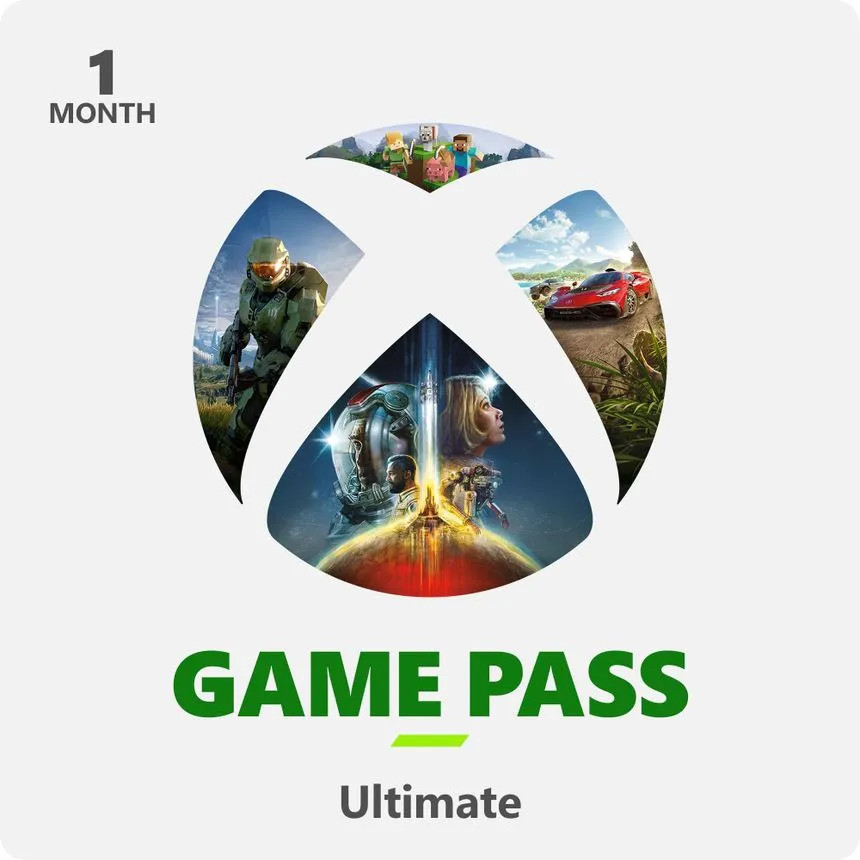
In today’s fast-changing cloud gaming environment, Xbox Game Pass Ultimate has emerged as one of the most accessible and feature-rich options available. With the promise of over 100 games playable via cloud streaming, console, and PC — all under one subscription — the appeal is undeniable. But does it deliver a consistent experience across devices? I decided to take it for a test run and report back from the front lines.
Service Overview
Xbox Game Pass Ultimate
Service Launch: June 2019
Type: Subscription Gaming, Cloud Gaming, Console & PC Access
Provider: Microsoft
Platforms: Xbox Series X|S, Xbox One, Windows PC, Android, iOS, Smart TVs (via browser/cloud)
Understanding the Backbone: What Powers Cloud Gaming?
Cloud gaming relies on a robust server infrastructure where all the processing, graphics rendering, game logic, and AI happen remotely. Your local device essentially streams the game feed, much like Netflix for gaming. This opens up high-end games to players without powerful hardware, but also introduces challenges around latency, connection stability, and device compatibility.
Key Components Behind the Experience:
- High-speed internet connection (ideally 5GHz Wi-Fi or wired Ethernet)
- Low-latency server access, depending on your region
- Modern device witha good screen and control integration
Trying It Out: What Worked?
For this review, I tested Xbox Game Pass Ultimate using a Samsung S24 Ultra smartphone connected to various setups, including a TV and handheld mode. I tried several games across genres to see how performance varied.
Impressive Streaming Performance
Teenage Mutant Ninja Turtles: Shredder’s Revenge ran beautifully. Controls were responsive, and visuals held up without notable compression artifacts. It’s clear that side-scrolling or less hardware-intensive titles can truly shine in a cloud format.
Mixed Results on Higher-End Games
Indiana Jones and the Great Circle showed promise, mostly smooth but with the occasional frame drop. However, EA Sports WRC was a different story. The game experienced frustrating stutters and lag spikes, even with a strong connection. This shows that game optimization for cloud play still varies widely.
The Hardware Factor: Setup Can Make or Break It
Cloud gaming is only as good as the weakest link in your setup. For instance, I attempted to connect my smartphone to a TV using a USB-C hub with HDMI, available for $30–$40 on Amazon. Unfortunately, this created input delay and resolution inconsistencies that made it less enjoyable than playing directly on the phone or with a controller attached.
Recommendation: Trial It First, Then Decide
If you’re intrigued by the potential of cloud gaming, Xbox Game Pass Ultimate is worth trying, especially since Microsoft often offers a trial for $1 or a discounted first month. Just know that the quality of your experience will depend heavily on the game you’re playing and how your system is set up.
Is It Worth Your Money?
For casual players, retro game lovers, or those who frequently jump between devices, it’s a fantastic option. For competitive players or fans of graphically intensive racing and shooter games, results can be hit or miss.
Have You Tried It Yet?
Have you experimented with Xbox Game Pass Ultimate or other cloud gaming services? I’d love to hear your experience. Whether you ran it on a phone, laptop, or smart TV, your feedback could help other gamers navigate this evolving space.
Written by Ronny Fiksdahl, Founder & Editor of Fix Gaming Channel.
Enjoy our content? Support Fix Gaming Channel with a donation via
Buy Me a Coffee.
Your support helps us keep independent gaming journalism alive. Thank you!