PC games on mobile are possible, but there is a catch
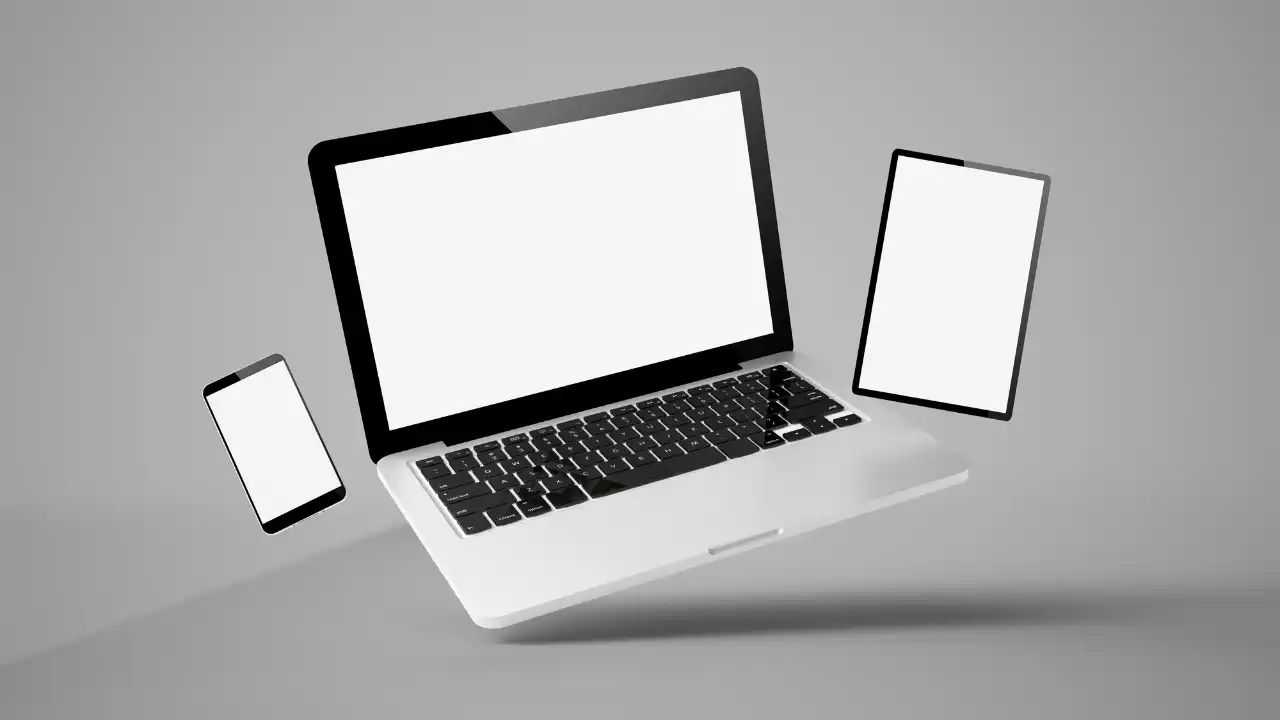
Can you play PC games on mobile? Yes, but usually not by installing a full PC game directly on your phone. Most of the time, the phone is streaming the game from your own PC, a cloud server, or another remote setup.
That difference matters. It affects performance, input delay, image quality, battery life, and whether the game feels smooth or frustrating.
For many players, mobile PC gaming is not about replacing a desktop. It is about making a PC library easier to access from the couch, bed, hotel room, or while traveling.

A controller grip like the GameSir G8 Galileo can make PC game streaming on mobile feel much closer to a handheld console.
Join Our Newsletter
Stay updated with the latest interviews, previews, and indie gaming news from Fix Gaming Channel.
The Short Answer
Yes, PC games can be played on mobile, but there are only a few realistic ways to do it. You can stream from your own PC with tools like Steam Link, Moonlight, or Sunshine. You can use cloud gaming services such as GeForce NOW or Xbox Cloud Gaming. You can also play official mobile ports of PC games.
On Android, there are experimental tools that try to run Windows games through compatibility layers, but that is still not the normal route for most players.
Streaming From Your Own PC
If you already own a gaming PC, streaming from that PC to your phone is often the best option. Your computer runs the game, while your phone receives the video and sends controller input back to the PC.
This works best when the PC is connected by Ethernet and the phone is using strong Wi-Fi. A good network can make the experience feel surprisingly close to local play. A weak network can make it blurry, delayed, or unstable.
The phone may have a great screen, but the stream is only as good as the PC and connection behind it.
Cloud Gaming Removes the PC, But Not the Problem
Cloud gaming removes the need for your own gaming PC. The game runs on a remote server, and your phone streams the video while sending your input back in real time.
That is why a phone can play games that would never run locally on mobile hardware. The advantage is clear: you do not need a powerful PC. The downside is just as clear: your internet connection decides almost everything.
For slower single-player games, cloud gaming can work very well. For competitive shooters, fighting games, or anything where reaction time matters, input delay can still be a problem.
Can You Install PC Games Directly on a Phone?
Usually, no. A normal Windows PC game is built for Windows and PC hardware. Android and iOS do not normally run those games directly.
There are exceptions, especially on Android, but compatibility, performance, controls, and setup can vary a lot. For most players, streaming, cloud gaming, or official mobile ports are still the cleaner options.
What About Handheld PCs?
This is where devices like Steam Deck, ROG Ally, and Legion Go have an advantage. They can run many PC games locally, which means you are not always relying on a stream or cloud server.

Steam Deck remains one of the strongest ways to play PC games away from the desk in 2026.
If you want games running locally instead of streamed to a phone, check out our Best Steam Deck Games 2026 list for more handheld PC picks.
Final Thoughts
So, can you play PC games on mobile? Yes. But in most cases, the phone is not doing the heavy lifting.
If you already have a gaming PC, remote play can turn your phone into a portable screen for your library. If you do not have a gaming PC, cloud gaming may make more sense. If you want games installed directly on the device, mobile ports or a handheld PC are still the cleaner route.
PC gaming on mobile is useful, but it works best when players understand the catch: the phone is usually the window into the game, not the machine running it.
Written by Ronny Fiksdahl, Founder & Editor of Fix Gaming Channel.
Send interview pitches, corrections, tips, or developer stories to contact@fixgamingchannel.com.
Support independent games coverage on Ko-fi.