





A quick warning for players rushing through deals, trades, and account checks
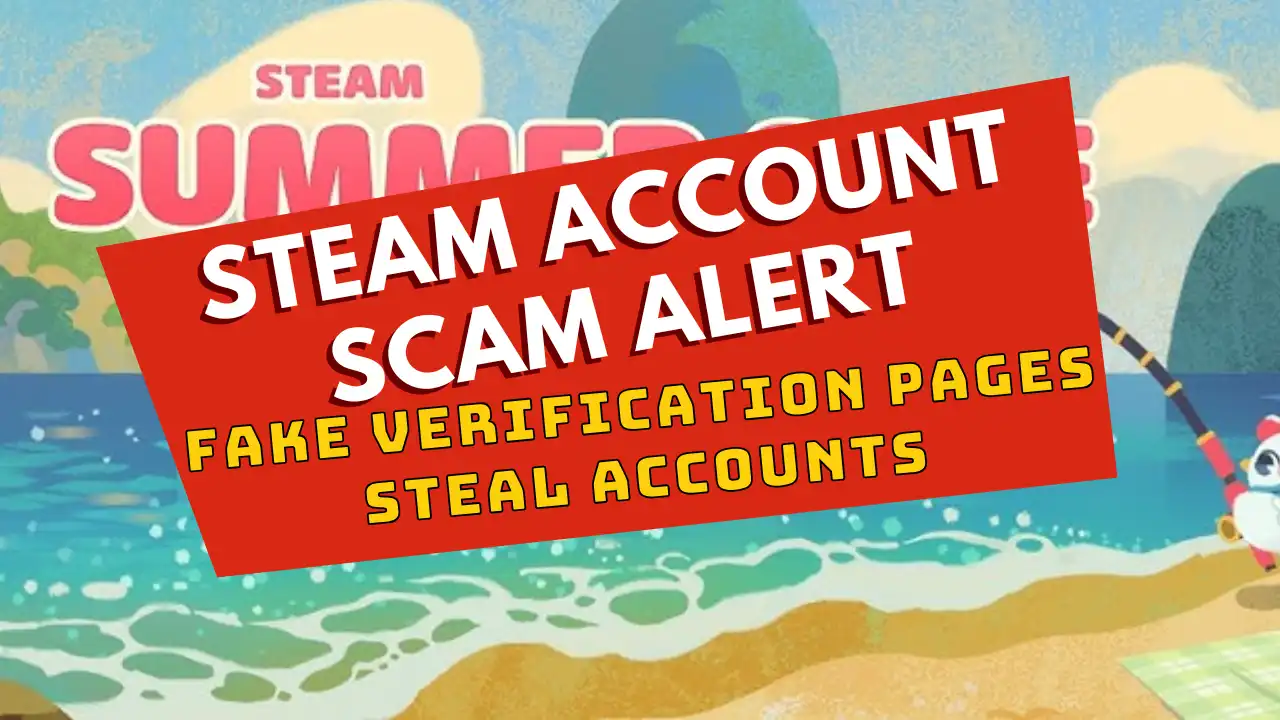
Fake verification pages are still one of the easiest ways for scammers to steal Steam accounts, especially when players are in a hurry.
Big sale periods always bring more clicks, more messages, more trades, and more players rushing to grab games before discounts end. That is exactly when fake login pages can catch people off guard.
Recent security reporting from Malwarebytes highlighted fake verification pages, including fake FACEIT-style pages, that lead players to a fake Steam login window. The goal is not complicated: steal login details, Steam Guard codes, account access, wallet funds, and inventory items.
Fake verification pages are being used to target Steam players and steal account access.
Join Our Newsletter
Stay updated with the latest interviews, previews, and indie gaming news.
How players get caught
The scam usually starts with a link. It may come through a tournament invite, trade message, Discord DM, fake giveaway, group post, or “verify your account” prompt.
The page may look familiar. It may use real-looking buttons, platform branding, and a login box that feels normal. But if it is not the real domain, do not enter anything.
Check this before signing in
Open Steam, FACEIT, or any gaming platform directly from your browser or official app. Do not sign in through random links sent in chat.
Always check the real address bar. A fake page can copy logos and colors, but it cannot own the official domain.
If you entered your details
Change your Steam password right away. Then check authorized devices, sign out everywhere, review your email security, and scan your system for malware.
If you entered a Steam Guard code, treat the account as compromised and go to Steam Support immediately.
Quick Fix checklist
Do not log in from random links. Open platforms directly. Check the real URL. Never enter Steam Guard codes on suspicious pages. Be careful with urgent “verify now” messages. If it feels wrong, stop.
Useful links
Steam Support: Account Security Recommendations
Malwarebytes: Fake verification pages are stealing Steam accounts from players
Related Reading
Steam Account Stolen? What To Do First
More Scam Alerts on Fix Gaming Channel
Written by Ronny Fiksdahl, Founder & Editor-in-Chief of Fix Gaming Channel.
Send interview pitches, corrections, tips, or developer stories to contact@fixgamingchannel.com.
Support independent games coverage on Ko-fi.