What New Players Need to Know Before Entering the Forest
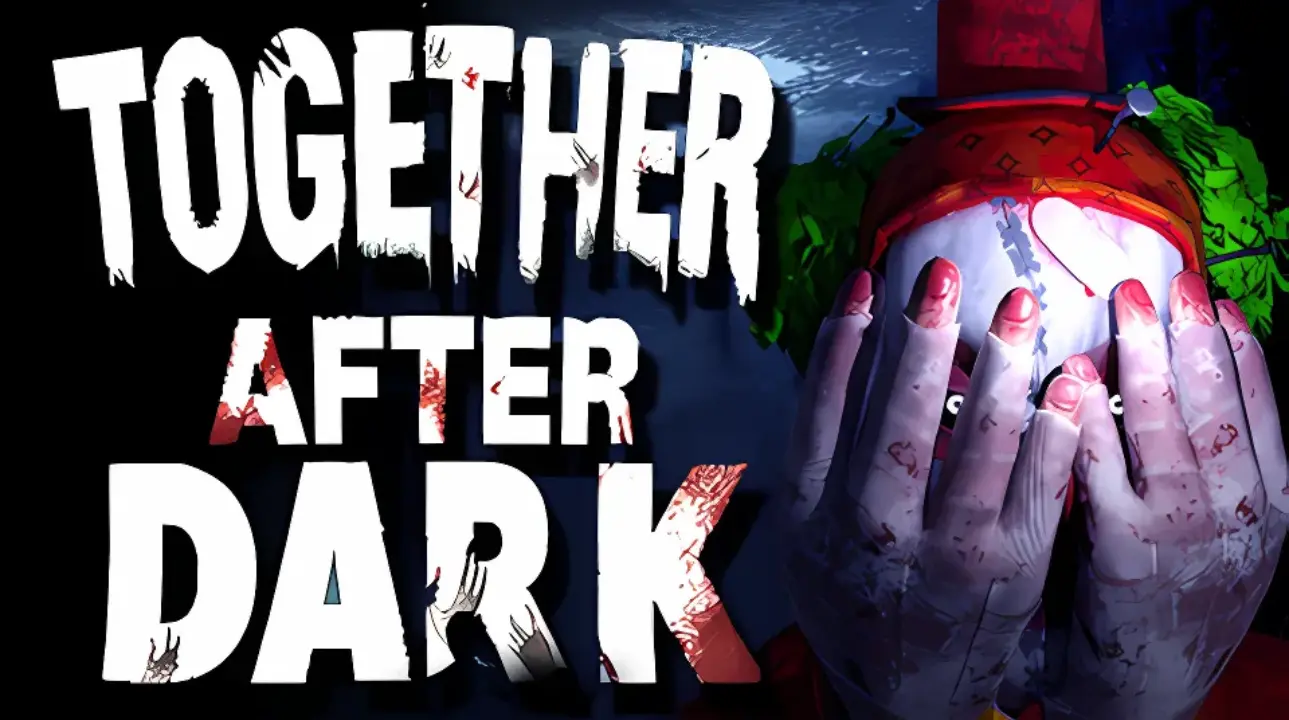
Together After Dark is a 1–4 player co-op psychological horror game where four teenagers must find a way out of a hostile forest without being seen.
Together After Dark can feel confusing at first, especially when a group enters the forest without knowing where to go, what to check, or when to stop moving. That confusion is part of the horror, but it can also slow the session down if nobody has a basic plan.
This Together After Dark beginner guide covers the practical basics we learned during our co-op session: how to approach the opening, communicate with friends, use landmarks, handle the darkness, and avoid turning every scare into a complete mess. This is not a room-by-room walkthrough, but it will help new players understand what to expect. For our full hands-on impressions and PC performance notes, read our Together After Dark hands-on article.

Together After Dark works best when the group stays alert, communicates clearly, and avoids panic decisions in the forest.
Join Our Newsletter
Stay updated with the latest interviews, previews, and indie gaming news from Fix Gaming Channel.
Together After Dark
Release: January 19, 2025
Genre: Co-op Horror, Psychological Horror, Multiplayer
Developer / Publisher: RedForge
Platforms: PC (Steam, Epic Games Store)
How Do You Play Together After Dark?
The basic goal is to help the four teenagers find a way out of the forest without being seen. The game combines online co-op, exploration, paranormal encounters, jump scares, and limited visibility. It supports groups of up to four players, although the lack of clear direction can make even the opening feel difficult.
The most important early lesson is that this is not a game where everyone should run in a different direction. Move carefully, keep the group within sight, and use short voice calls to share anything unusual.
Is Together After Dark Hard?
The challenge comes less from complicated controls and more from poor visibility, uncertain objectives, environmental tension, and group coordination. The opening can feel especially unclear because the game gives players limited guidance before sending them deeper into the forest.
That can be frustrating, but it also explains why a simple plan helps. A group that moves slowly, remembers landmarks, and listens before reacting will have an easier time than four players sprinting in different directions.
Together After Dark Has Received Its Final Update
RedForge has described the latest patch as the final update for Together After Dark. This guide therefore focuses on helping players handle the game as it currently exists, including its unclear opening, darkness, and rough edges.
1. Start Slow and Read the Area
The first mistake many players make in Together After Dark is rushing. The game can be dark, quiet, and unclear at the start, so slow down and let everyone understand the area before moving too far ahead.
Do not treat the opening like a race. Check rooms, paths, doors, lights, and obvious landmarks. If one player runs off while everyone else is still trying to understand the starting area, the group can lose direction quickly.
2. Pick One Player to Guide Movement
Co-op horror often falls apart because everyone talks at once. One player sees something, another runs away, someone else checks a different path, and suddenly nobody knows what the group is doing.
Choose one player to call the next direction. They do not need to decide everything; their job is simply to keep the group moving together instead of splitting apart every few seconds.
- One player leads movement.
- One player watches the back.
- One player calls out sounds, movement, or changes.
- One player checks side paths or objects while staying close.
3. Stay Close Without Blocking Each Other
Staying together matters, but standing too close can make the session messy. If everyone is packed into the same spot, cameras, flashlights, movement, and panic reactions can block visibility.
Together After Dark – Full Co-Op Horror Gameplay Session
Use a loose formation. Keep each other in sight, but leave enough space to see the path, turn around, and react when something happens. In a dark forest, being close enough to help is better than standing so close that nobody can see.
4. Use Landmarks Instead of Guessing
The forest can start to look the same when the group moves too quickly. Call out landmarks as you pass them. A rock formation, house, cave entrance, strange light, narrow path, or clear turn can help everyone remember where they have already been.
This is especially useful if the group gets lost or needs to backtrack. Instead of saying “go back that way,” use clear directions such as “back to the house,” “left at the cave,” or “return to the path with the broken trees.”
5. Listen Before You Move
Together After Dark relies heavily on atmosphere and sound. If the group talks constantly, it becomes harder to notice audio cues, sudden changes, and threat movement.
When something feels wrong, stop for a few seconds and listen. A short pause can help reveal where the tension is coming from and prevent everyone from sprinting blindly into a worse situation.
6. Do Not Panic-Sprint Through the Dark
Running feels natural when something scary happens, but panic-sprinting can make the situation worse. You may lose the group, miss a path, or run straight into an area nobody has checked.
If you need to move quickly, call it out. Say where you are going, keep the group pointed in the same direction, and avoid random turns. A bad escape route can be worse than standing still for one extra second.
7. Check Graphics and Comfort Before a Longer Session
Check the available graphics, brightness, and comfort settings before playing. Our earlier hands-on session found motion blur, field-of-view limitations, dark-area readability, and unstable performance could affect the experience.
If the game feels heavy on your system, lower the graphics settings before the session becomes frustrating. Smooth movement is important in co-op horror, and unstable performance can make a scare feel messy rather than tense.
8. Treat Very Dark Areas as Danger Zones
Darkness is part of the game, but that does not mean the group should move blindly. When visibility drops, slow down, use light carefully, check corners, and avoid sending one player ahead without a clear reason.
If an area is too dark to read properly, move as a team and call out what each player sees. Do not let every dark section become another uncontrolled sprint.
9. Keep Communication Short and Useful
Good communication does not mean everyone needs to talk constantly. Short calls work better:
- “Stop.”
- “Back up.”
- “Left path.”
- “I heard something.”
- “Stay together.”
- “Return to the house.”
Simple calls are easier to understand when the group is nervous. Long explanations usually arrive too late.
10. Treat the First Run as Practice
The first session should not be about perfect play. Use it to understand the map flow, the darkness, how your group communicates, and which settings feel comfortable.
Later runs become smoother once the group understands the basics. You start recognizing patterns, remembering landmarks, and reacting less wildly when something happens.
Together After Dark Beginner Checklist
- Check graphics and comfort settings before starting.
- Move slowly at the beginning.
- Pick one player to guide movement.
- Stay close without blocking each other.
- Use landmarks to avoid getting lost.
- Listen for audio changes.
- Do not panic-sprint unless the group knows where it is going.
- Keep voice calls short and clear.
- Lower graphics settings if performance feels unstable.
- Treat the first run as practice.
Frequently Asked Questions
How many players can play Together After Dark?
Together After Dark is designed for 1–4 players, with online co-op supporting groups of up to four.
What is the goal in Together After Dark?
Four teenagers are trapped in a dangerous forest and must find a way out without being seen. Exploration, paranormal events, darkness, and jump scares make that escape more difficult.
Is Together After Dark a multiplayer game?
Yes. The game supports online co-op and is built around a group of up to four players working together in the forest.
Is this a complete Together After Dark walkthrough?
No. This is a beginner guide built around our hands-on co-op experience. It explains how to approach the game and avoid common group mistakes without pretending to provide a complete, step-by-step solution.
Final Thoughts
Together After Dark works best when players stop fighting the confusion and start managing it. The forest, darkness, cameras, and group panic are all part of the experience, but a little structure can make the session much better.
The game remains rough in places, but the co-op setup has clear potential. With the right group, the basics are simple: stay together, communicate clearly, read the environment, and do not let one scare break the whole team.
Related Reading
- Together After Dark Hands-On: A Rough but Promising Co-Op Horror Game
- 20 of the Most Horrific Games You Can Play Right Now in 2026
Written by Robelle Veligano — Fix Gaming Channel.
Send corrections, guide suggestions, useful gameplay tips, or gaming news to contact@fixgamingchannel.com.
Support independent games coverage on Ko-fi.