Skip to content
  • Discord
  • X
  • Fix Gaming Channel INDIE
  • YouTube Prime
  • Facebook
  • TikTok
  • press@fixgamingchannel.com

Fix Gaming Channel

Indie Game News, Reviews and Developer Interviews

  • Home
  • News
    • Industry News
    • Videos
    • Security & Scam Alerts
  • Indie Spotlight
  • Reviews
  • Interviews
    • Developers
    • Industry insiders
    • Art in Games
  • About Us
    • Support
    • Inside Fix Gaming
    • Contact
  • Fix Access
  • Indie Dev Guides
  • Fix Stories
    • Submit to Fix Stories
  • Toggle search form
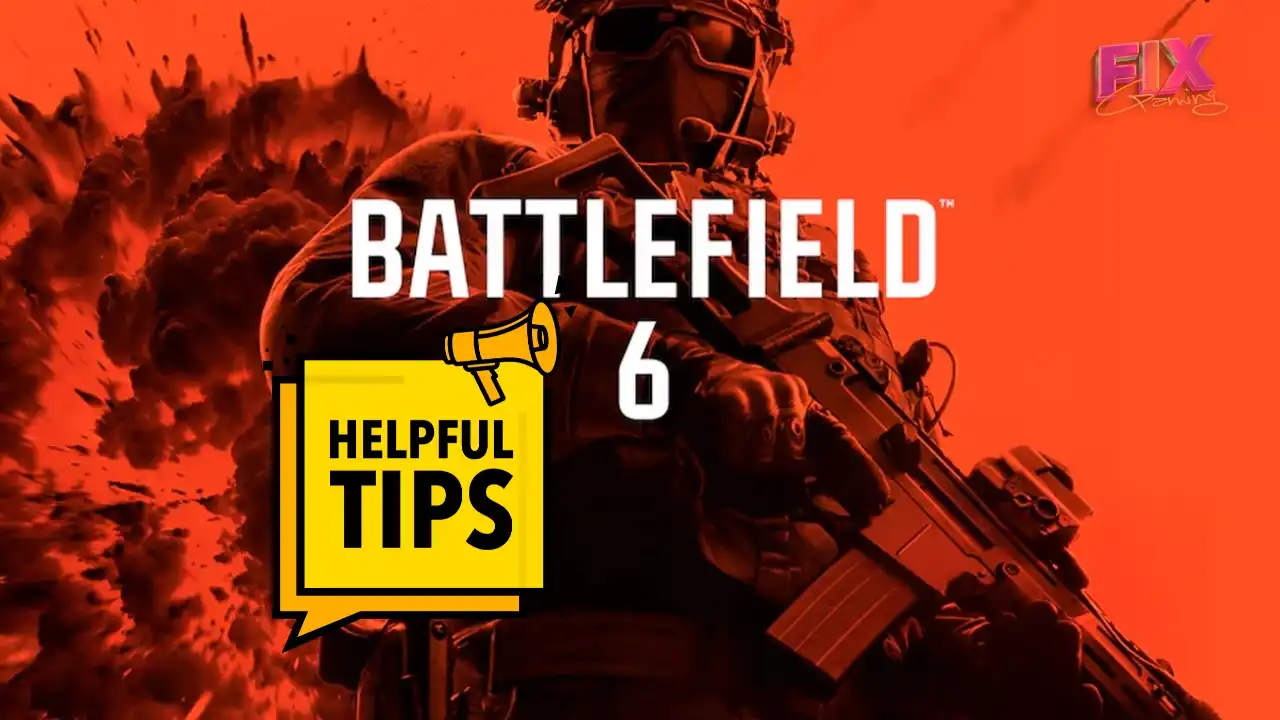
Battlefield 6 multiplayer tips — soldier with rifle against orange explosion background, FIX Gaming branding

Battlefield 6 Multiplayer: 10 Essential Tips to Survive, Support, and Win

Posted on October 10, 2025October 29, 2025 By Aidan Minter

10 Battlefield 6 Tips for Mastering Multiplayer

Battlefield 6, the latest and greatest entry into the Battlefield series from EA is upon us, and we’ve put together some crucial tips for keeping you in the fight longer in multiplayer.

Related:
Battlefield 6: Trust Crisis & Momentum

  1. Weapon Bloom – When engaging enemy players over longer distances, your bullet spread will be wider—especially during sustained fire with assault weapons or GPMGs. Burst- or tap-firing reduces this (at the expense of suppressive effectiveness) but brings your shots onto target more accurately. One of the key takeaways from the game’s open beta back in August was tuning to encourage more controlled tap-firing and burst-firing, rewarding precision and weapon mastery.
  2. Suppression – Suppression pauses your automatic healing until after you’ve broken contact. If you’re on low health during a firefight, it’s not always necessary to be the hero—especially if you’re the only member of your squad alive in a key tactical area of the map in Conquest matches.
  3. Sniper Rainbow Glint – There’s an art to sniping and one-shot kills in Battlefield 6. Finding that perfect range—the “sweet spot”—is made easier by looking for the opponent’s sniper glint. If you see a rainbow-prism glint, you’ve got the perfect range for a single-shot kill to the head or upper body.
  4. Revive Your Team – With the deluge of speedy, trigger-happy CoD players coming into the game, it’s been hard for them to adjust to the fact that Battlefield is a squad-oriented game. If you’re playing as Support, remember to drop ammo and revive fellow teammates. This is Battlefield, not Call of Duty—racking up kills for leaderboard kudos isn’t the objective, and your team will thank you for it.
  5. Parachute Play – Use the parachute from a high vantage point to traverse long distances quickly. Jumping from buildings can make reaching objectives easier. Visually, you’re a sitting target for talented snipers—so land fast and break line of sight.

Join Our Newsletter

Stay updated with the latest interviews, previews, and indie gaming news from Fix Gaming Channel.


Battlefield 6 beta gameplay — Fix Gaming Channel
  1. Quick Blades – Equip your knife to move faster across the map or reach key objectives quickly. You’re sacrificing offensive capability for speed—use it wisely. Combine with parachute landings to get to cover fast after dropping.
  2. Soft-Point Rounds – Battlefield 6 lets you choose different ammo types. Soft-point rounds increase your headshot multiplier by a significant amount. Their downside? They cost more of your 100-point weapon allocation—use sparingly.
  3. Tank Healing – Engineers and Vehicle Supply Stations are a tanker’s best friend. Engineers can repair vehicles, but if your tank’s damage drops below a certain threshold, it won’t auto-heal—you’ll need a supply station. Engineers: be ready near choke points.
  4. Adrenaline Kick – Some players mistakenly think Adrenaline Stim boosts health—it doesn’t. Instead, it clears grenade/stun effects and boosts footstep audio, putting you into a heightened state of awareness. Use it when breaching rooms or contested points.
  5. Give Time to Revive – Don’t give up instantly. There’s nothing worse than a teammate respawning just as you reach them with paddles. Holding “Request Revive” keeps you alive longer and gives your squad a chance to get you back up—and back in the fight.

BONUS TIP: Set your audio to Headphones for sharper directional sound, and switch to the War Tapes mix to make gunfire, footsteps, and key cues pop. Lower the music volume, and crank effects to stay alive longer.


Written by Aidan Minter, Fix Gaming Channel.

Enjoy our content? Support Fix Gaming Channel with a donation via
Buy Me a Coffee to help keep independent game journalism alive.
Support Us
Games, New Games, News Tags:Adrenaline Stim, Audio Settings, Battlefield, Battlefield 6, BF6, BTF6, Conquest, Engineers, Multiplayer, Revive, Sniper Glint, Soft-Point Rounds, Squad Play, Support Class, Suppression, Tanks, Tips & Tricks, Vehicle Supply Station, War Tapes, Weapon Bloom

Post navigation

Previous Post: The Legend Returns — Ronaldinho Bundle Now in REMATCH
Next Post: Why Anvil Empires Could Be the Next Big MMO War Sandbox

Related Posts

  • Steam platform logo — used as an editorial illustration for payment news
    Steam Widens Store Pages to 1200px: A Quick Dev Checklist Industry News
  • Cash Cleaner Simulator — PS5 & Xbox Series Release Date (Feb 12, 2026) — Key Art
    Money-laundering sim Cash Cleaner Simulator launches on PS5, Xbox Series Feb 12, 2026 New Games
  • Bar chart comparing Capcom Q2 FY2025 unit sales: Monster Hunter Rise 254k vs Monster Hunter Wilds 160k
    Monster Hunter Wilds Sales Slow; Monster Hunter Rise Outsells It in Capcom’s Q2 Industry News
  • GTA VI key art with an orange “DELAYED” banner over a Vice City backdrop
    Grand Theft Auto VI delayed to November 19, 2026 Industry News
  • Terminator 2D: No Fate — the T-1000 points a warning finger against a wall of flames (pixel-art key art).
    Terminator 2D: No Fate Delayed to December 2025 as Reef Finalizes Physical Editions New Games
  • The Falconeer: Revolution Remaster key art with a blue “FREE” tag
    FREE for Owners: The Falconeer: Revolution Remaster Launches on Steam Indie
  • Outside the Blocks interface showing a medieval diorama with cottages, trees, and terrain tools.
    Create Miniature Worlds: Outside the Blocks Now on Steam Indie
  • UMAMI Game of the Week #28 thumbnail with pink cat chef logo and dessert collage background
    Game of the Week #28: UMAMI, a Delicious 3D Food Puzzler Featured
  • Digital illustration of a blue skull composed of binary code, symbolizing cybersecurity and malware threats.
    Gamers Beware: The History and Rising Threat of Gaming Viruses Industry News
  • Game of the Week #19— a clean, confident RTS that shines under pressure Developers
  • Contraband Police review — border officer signals stop at checkpoint with barrier; game logo foreground
    Contraband Police Review — Papers, Please Energy, Console Polish (PS5/Xbox) Games
  • Interview With Amonga99 the Indie Developer Behind the Award Winning Army Troop Talks Strategy Innovation and Community Engagement Developers
  • We May Be Seeing the Final Wave of Human-Built Games Arnie Jorgensen Discusses AI’s Impact on Creativity Art in Games
  • Artwork from the game Enshrouded showing a hooded archer aiming a bow alongside a mage and armored allies, surrounded by glowing blue light and shadowy forest enemies.
    Enshrouded News

ffff

Privacy Policy | Terms | Discord | Contact

ffff

Privacy Policy | Terms | Discord | Contact

© 2025 Fix Gaming Channel · Privacy Policy · Terms · Discord · Contact