









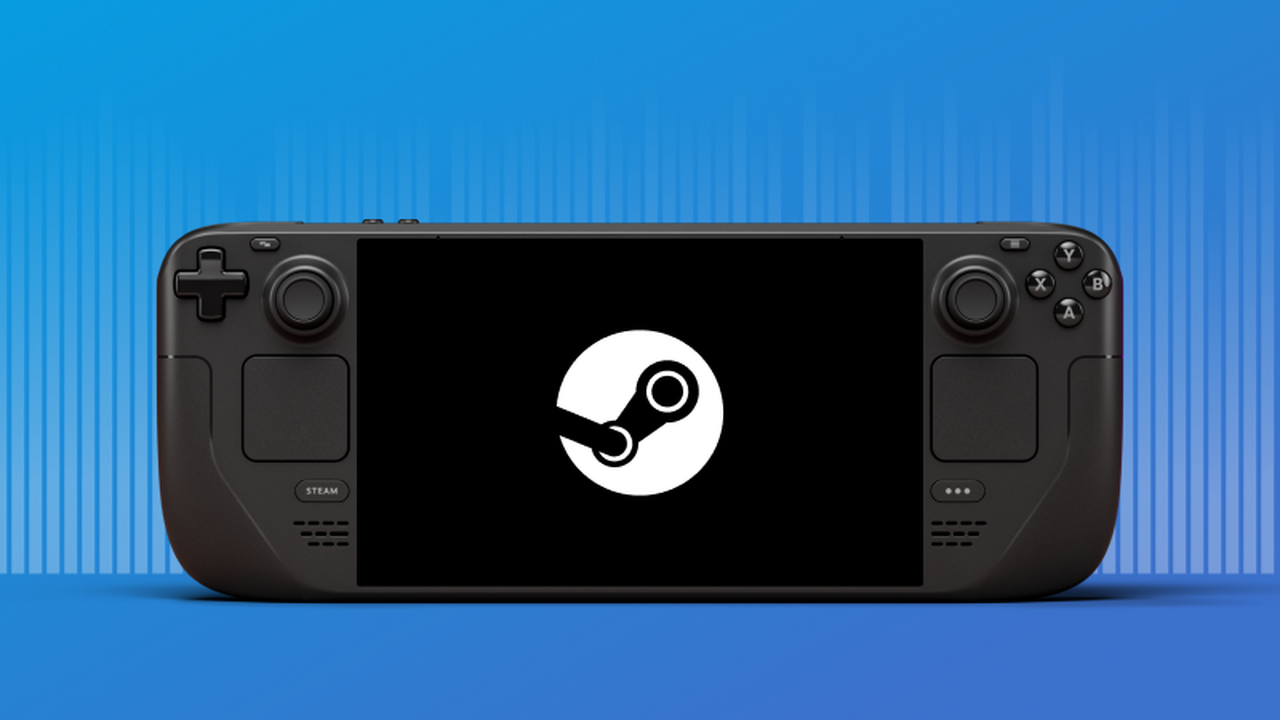
Player data adds performance context to Deck compatibility badges
Valve has rolled out average Steam Deck framerates to everyone in the Steam store and desktop and Deck clients. An update to Valve’s announcement confirms general availability from November 11, 2026.
If you are choosing from our Steam Deck games guide, this gives you another check before buying. A compatibility badge alone does not tell you whether a game meets your preferred framerate.
Keep up with changes to Steam
Get platform news, indie coverage, and interviews from Fix Gaming Channel.
Join Our Newsletter
Stay updated with the latest interviews, previews, and indie gaming news.
Where to find the numbers
Open a game’s store page and select Steam Deck Compatibility > Learn more. Valve says thousands of tested games already have data, including Verified, Playable, and Unsupported titles.
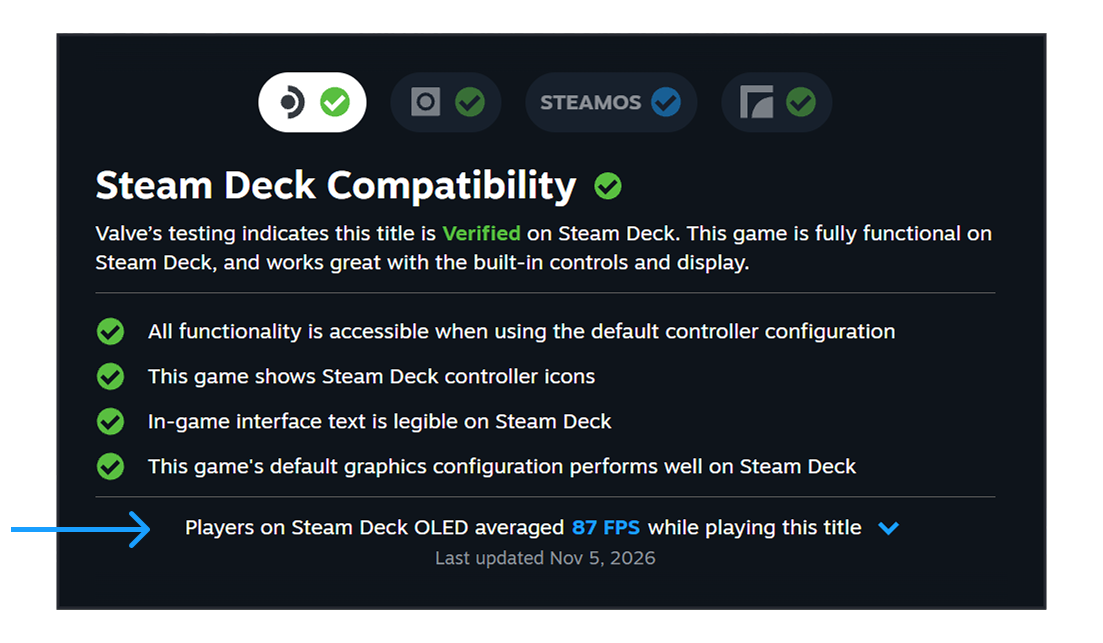
Valve’s example places the average framerate beneath the Steam Deck compatibility checks. Image: Valve.
Expand the framerate details to see a histogram showing the percentage of samples at different framerates. This gives the average more context: check how the readings are distributed instead of relying on a single number.
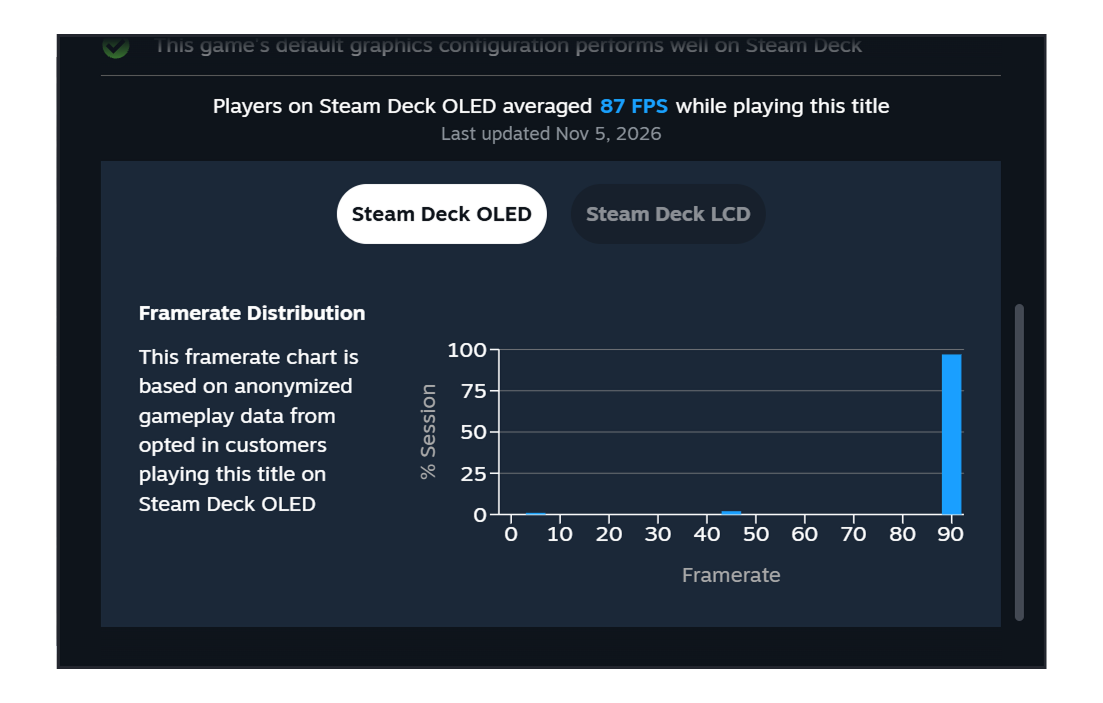
The expanded chart shows how the collected framerate samples are distributed. Image: Valve.
Read the average with its limits
The figures come from players who opted into anonymous data collection. Valve uses samples from Decks with the default frame limit: 90 FPS on OLED models and 60 FPS on LCD models. Idle and invalid samples are removed, but custom in-game graphics settings are not accounted for.
Treat this as an indication of players’ results, rather than a benchmark at one fixed graphics preset. Check the distribution as well as the average; neither promises identical performance on your own setup. Games need enough collected samples before figures appear.
Sharing performance data is optional
You can change participation under Steam Account Settings > Data & Browsing > Anonymous Game Framerate Data. The November 11 client update also brings the opt-in prompt to desktop users.
That update separately moves Steam Achievement Sets out of beta. Our earlier coverage explains how the system separates base-game and DLC completion.
Related Reading
Best Steam Deck Games Worth Playing in 2026
Steam Beta Tackles the “DLC Ruined My 100%” Problem
Written by Robelle Veligano, Writer at Fix Gaming Channel.
Send interview pitches, corrections, tips, or developer stories to contact@fixgamingchannel.com.
Support independent games coverage on Ko-fi.