






Affordable PC gaming gear that actually makes a difference
Getting into PC gaming can feel expensive fast. One minute you are looking at a mouse or headset, and the next you are staring at a long list of extras that make it seem like a decent setup has to cost a fortune. The reality is much simpler than that, especially at a time when PC upgrade costs already feel heavier than they should. If you’re just starting out, it’s important to know you can get all your Budget-Friendly PC Gaming Essentials without breaking the bank.
A good beginner setup is not about loading your desk with random gear. It is about picking a few useful things that improve how games feel, sound, and play without draining your wallet. That is what this list is about. These are budget-friendly picks that make sense for new PC gamers and still feel worth buying. And if you are already thinking about how the right setup can change the way games feel, have a look at our feature on seven 32:9 super ultrawide games you need to see in 5K.
Logitech G203 LIGHTSYNC Wired Gaming Mouse
A proper gaming mouse is one of the easiest upgrades you can make, especially if you are still using a basic office mouse. The Logitech G203 keeps things simple, but that is exactly why it works so well as a starter pick. It feels like a real gaming mouse without pushing the price too far, and for everyday use it gives beginners a much better foundation straight away.
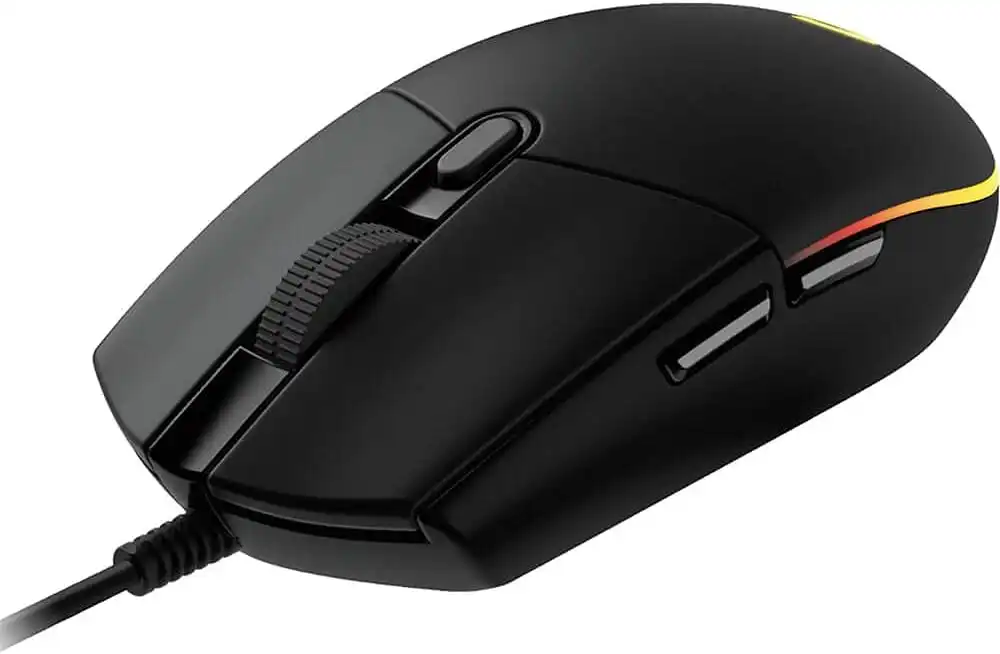
Logitech G203 LIGHTSYNC is a reliable budget gaming mouse for beginners.
Redragon K552 Mechanical Gaming Keyboard
Mechanical keyboards can get expensive in a hurry, which is why the Redragon K552 stands out as a smarter beginner choice. It gives new PC gamers that more responsive mechanical feel without demanding a huge jump in budget. If you want something that feels more like proper gaming gear from the start, this is an easy pick to consider.
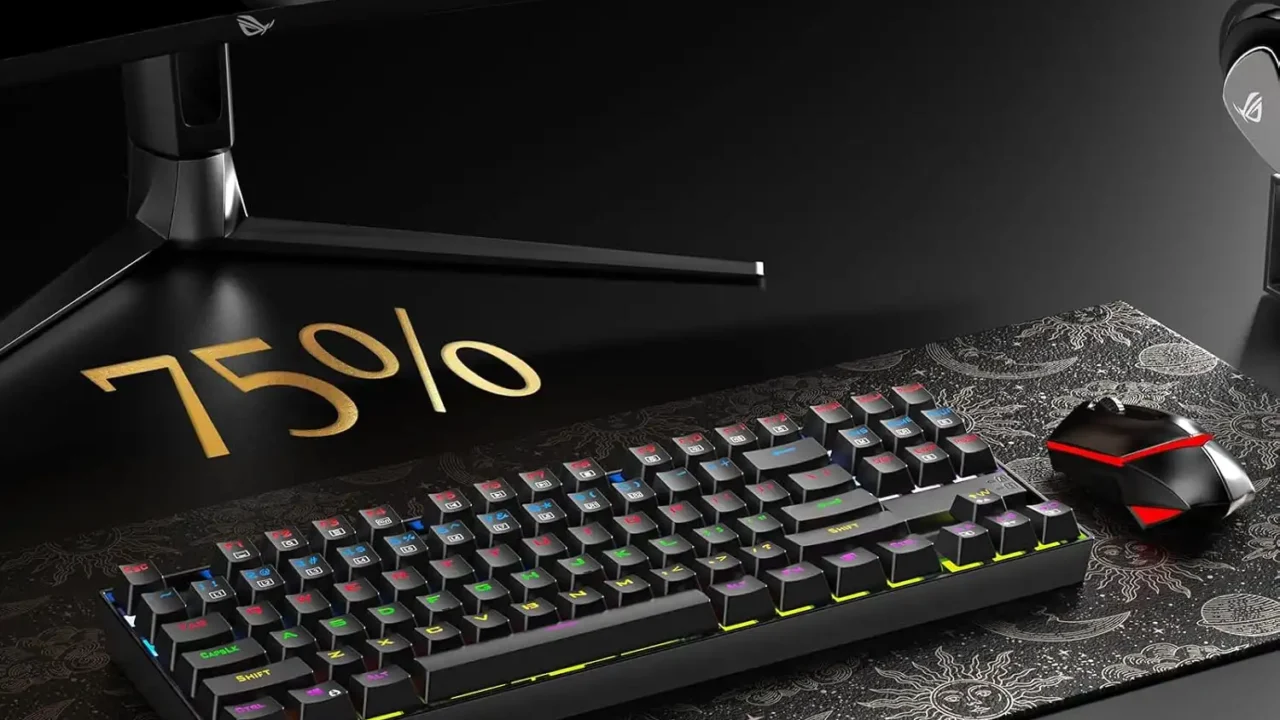
Redragon K552 offers a compact mechanical keyboard option for new PC gamers.
HyperX Cloud Stinger 2 Core Gaming Headset
A good headset still matters, whether you are jumping into multiplayer matches, chatting with friends, or just wanting clearer game audio without blasting speakers all day. The HyperX Cloud Stinger 2 Core keeps things practical and beginner-friendly. It covers the basics well and feels like the kind of headset you can actually live with, rather than something you replace immediately.

HyperX Cloud Stinger 2 is a practical budget headset for beginner PC gaming setups.
SteelSeries QcK Gaming Mouse Pad
Mouse pads are one of those things many beginners overlook, but they matter more than people think. A better surface can improve comfort and consistency right away, and the SteelSeries QcK has stayed popular for a reason. It is simple, proven, and fits perfectly into a budget setup that is meant to feel better without getting complicated.

SteelSeries QcK remains a dependable mouse pad choice for beginner setups.
8BitDo Ultimate 2C Wired Controller
Not every PC game feels best with mouse and keyboard. Platformers, racing games, action titles, and plenty of indie games often play better with a controller, and that is where the 8BitDo Ultimate 2C earns its place here. It is a smart budget extra for beginners who want more flexibility and do not want to feel locked into one way of playing.
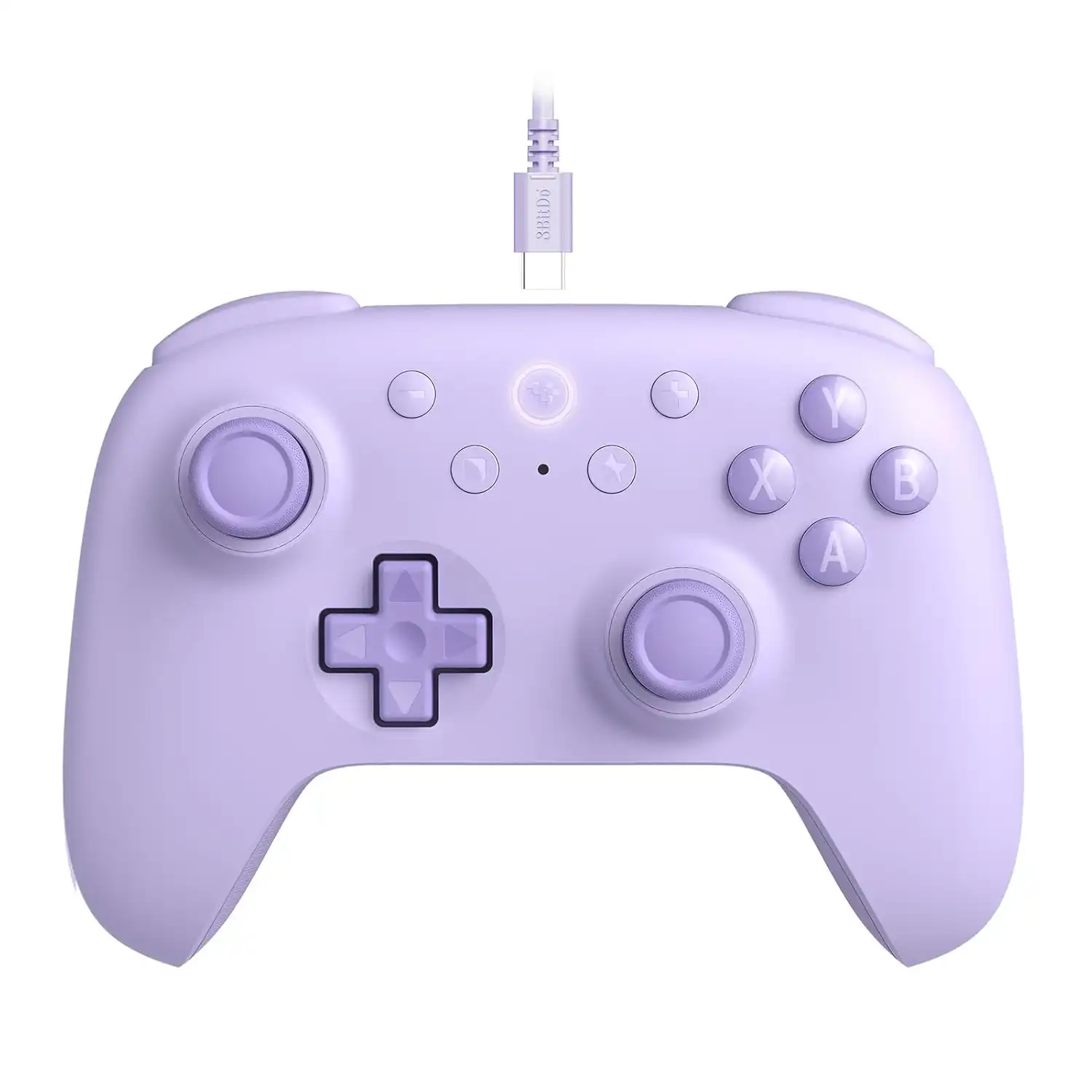
8BitDo Ultimate 2C adds affordable controller support for PC players.
Creative Pebble V3 Desktop Speakers
A headset is useful, but sometimes you just want clean desktop audio for casual play, videos, or general everyday use. The Creative Pebble V3 speakers are a nice fit for that. They keep the setup tidy, look simple on the desk, and make a lot more sense than cheap throwaway speakers that sound bad from the start.
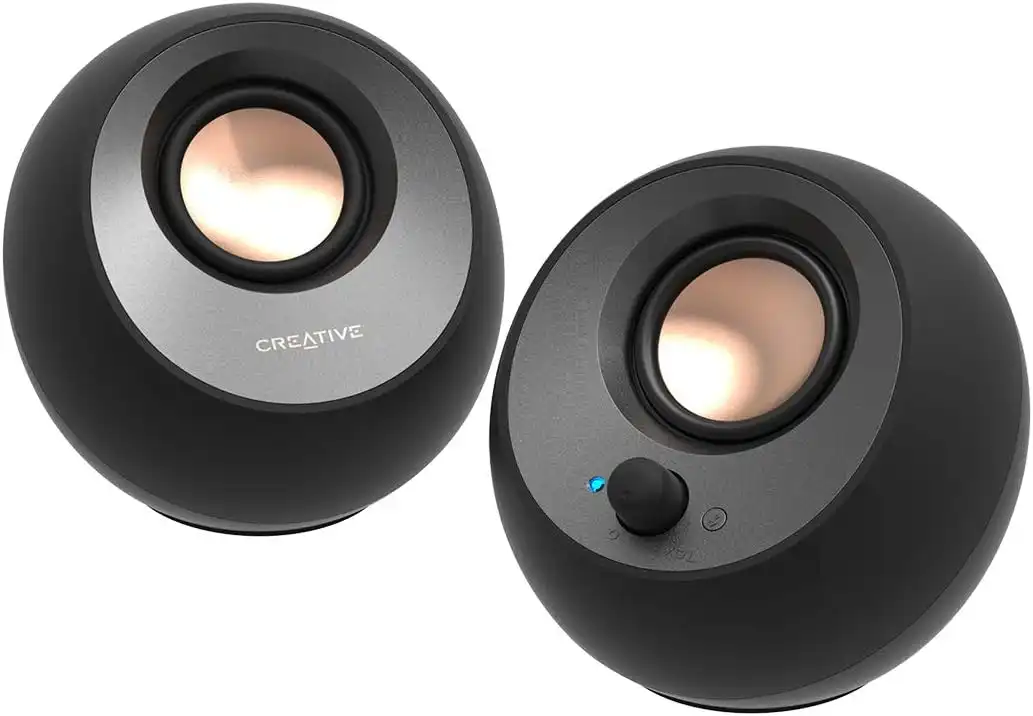
Creative Pebble V3 offers simple desktop audio for a first PC gaming setup.
UGREEN 4-Port USB 3.0 Hub
USB ports vanish quickly once you start plugging in real gear. Mouse, keyboard, headset, controller, storage, and suddenly the back of the PC feels full. That is why a simple USB hub is one of those underrated additions that can make a setup feel much easier to use. It is not flashy, but it is practical, and that is exactly the point.

UGREEN 4-Port USB 3.0 Hub helps expand connectivity for beginner setups.
Start with what matters
A better beginner setup does not come from buying the most expensive gear in sight. It comes from choosing the right upgrades in the right places. A decent mouse, keyboard, headset, and mouse pad already go a long way, while a controller, speakers, and USB hub can make the setup even more comfortable and flexible over time.
The main thing is not to waste money chasing gear that looks good on paper but adds very little in practice. Start with the essentials, buy what fits the way you actually play, and build from there.
Related reading
Why Soaring RAM and SSD Prices Feel Personal to PC Gamers & Builders
Seven 32:9 Super Ultrawide Games You Need to See in 5K
PS5 With an Ultrawide Monitor? I Tested Cyberpunk 2077 on a 32:9 Screen
Top 5 Ultrawide Monitors for Gaming
Affiliate Disclosure: Fix Gaming Channel may earn a small commission from qualifying purchases made through the Amazon links in this article. That comes at no extra cost to you and helps support our independent work.
Written by Ronny Fiksdahl, Founder & Editor-in-Chief at Fix Gaming Channel.
Send interview pitches, corrections, tips, or developer stories to contact@fixgamingchannel.com.
Support independent games coverage on Ko-fi.