





A Legitimate Playtest Invitation Should Survive a Few Simple Checks
A practical checklist for separating real Steam Playtest access from impersonators, suspicious downloads, and fake account-verification pages.
A message promises early access to a game you have been waiting for. It includes a download, perhaps a countdown, and a request to sign in quickly. Is it genuine? Players should not have to guess, because Steamworks documents how legitimate Steam Playtests operate, and Steam Support specifically warns that malware can be disguised as fake game demos and betas.
Fix Gaming Channel has previously reported on fake playtests, impersonated support accounts, and malicious gaming downloads. This guide takes a different approach: a repeatable set of checks before you install anything, whether a link comes from social media, Discord, an email, or someone on your friends list.
Independent Gaming Security Coverage
Security explainers, reported incidents, and practical steps for protecting players.
Join Our Newsletter
Stay updated with the latest interviews, previews, and indie gaming news.
1. Start at the Game’s Real Steam Page
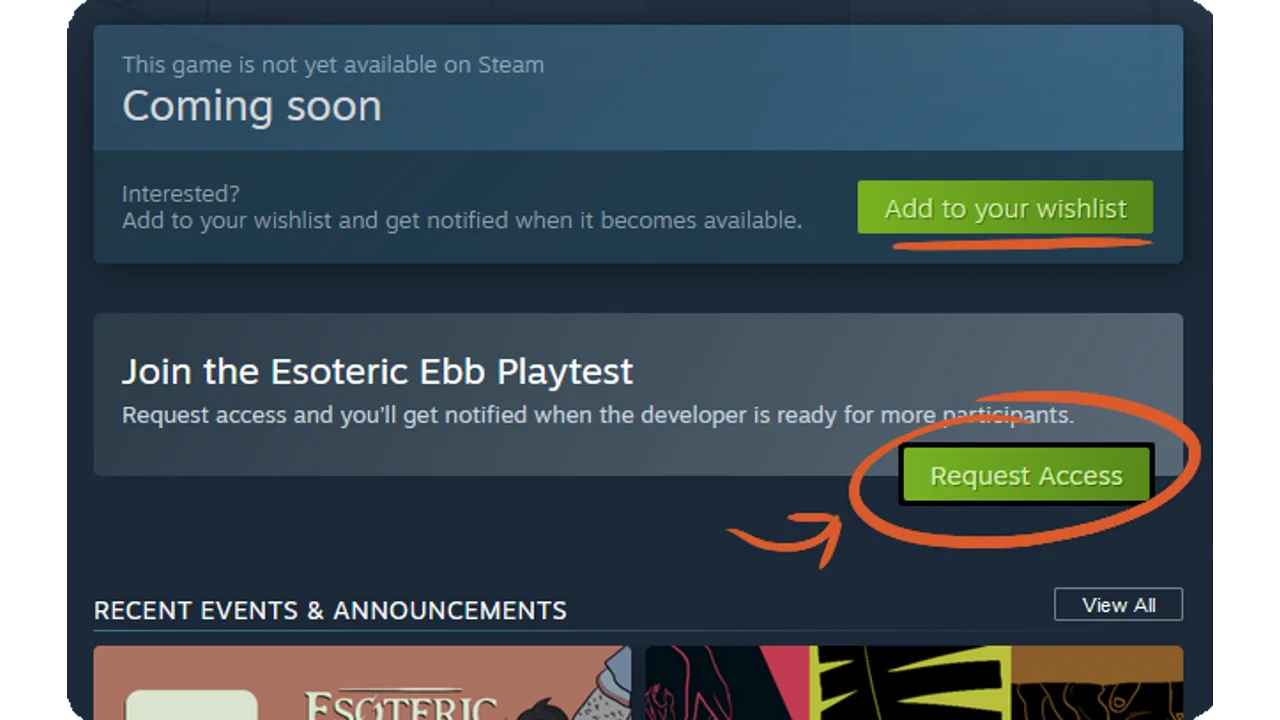
If an invitation claims to be for a Steam Playtest, open Steam yourself and search for the game rather than following the message’s link. Valve’s documentation says public Steam Playtest sign-ups normally appear on the base game’s store page through a Request Access option. Developers can accept participants in batches or run open sign-ups, and players may receive an email or client notification when access is granted.
A missing Request Access button does not, by itself, prove fraud. A legitimate test may be closed, hidden, or managed through developer-issued Steam keys. What it does mean is that you should confirm the exact invitation through a developer-controlled channel instead of trusting the message alone.
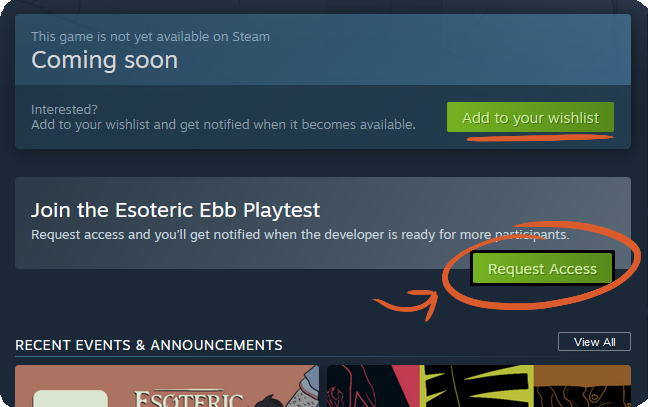
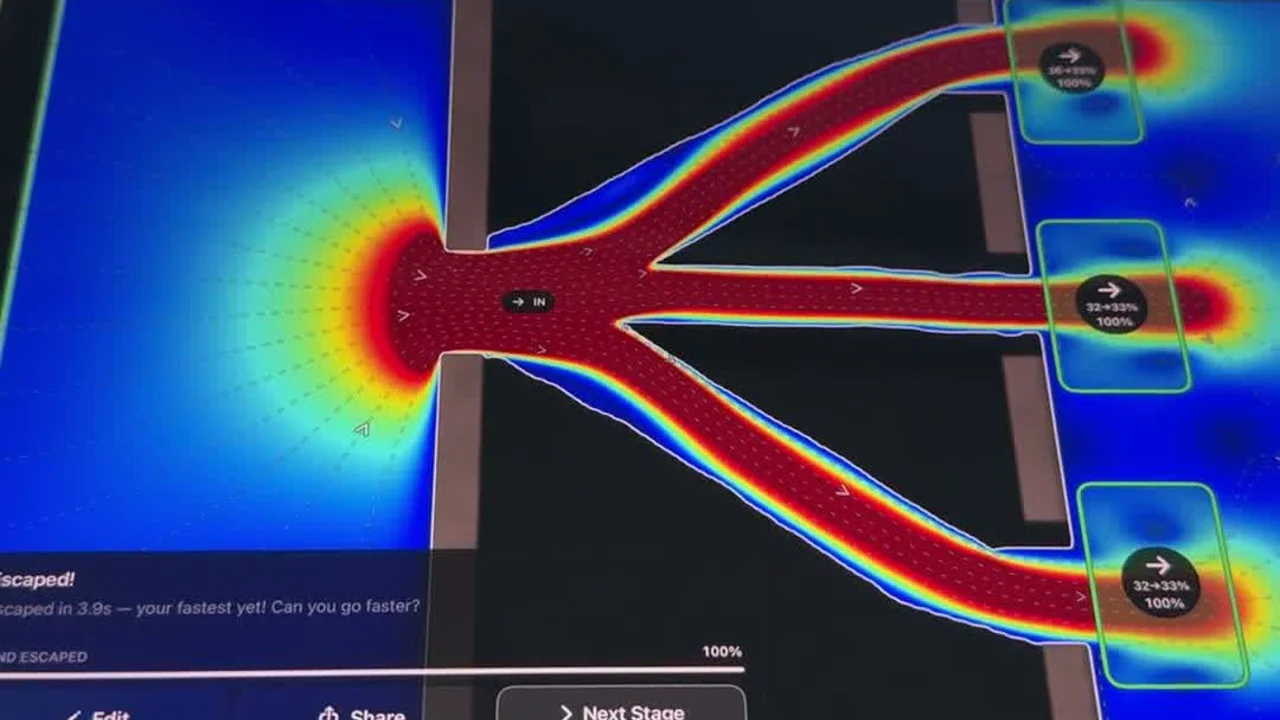
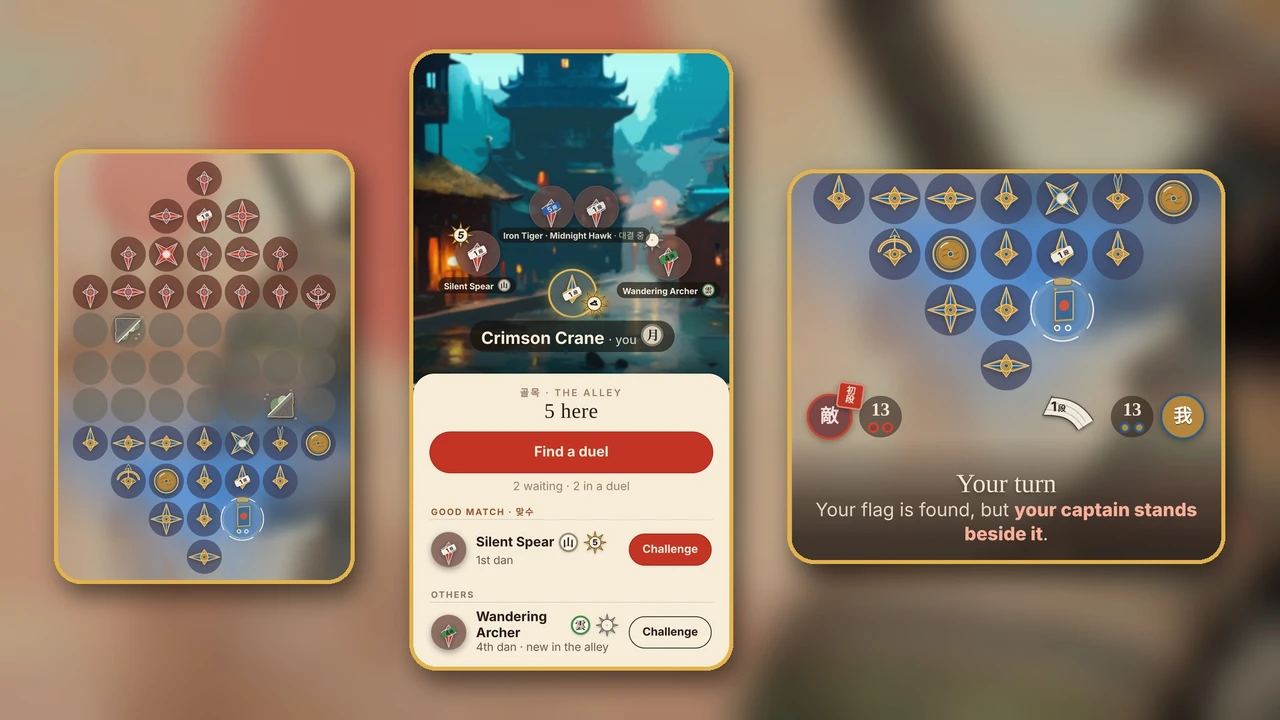
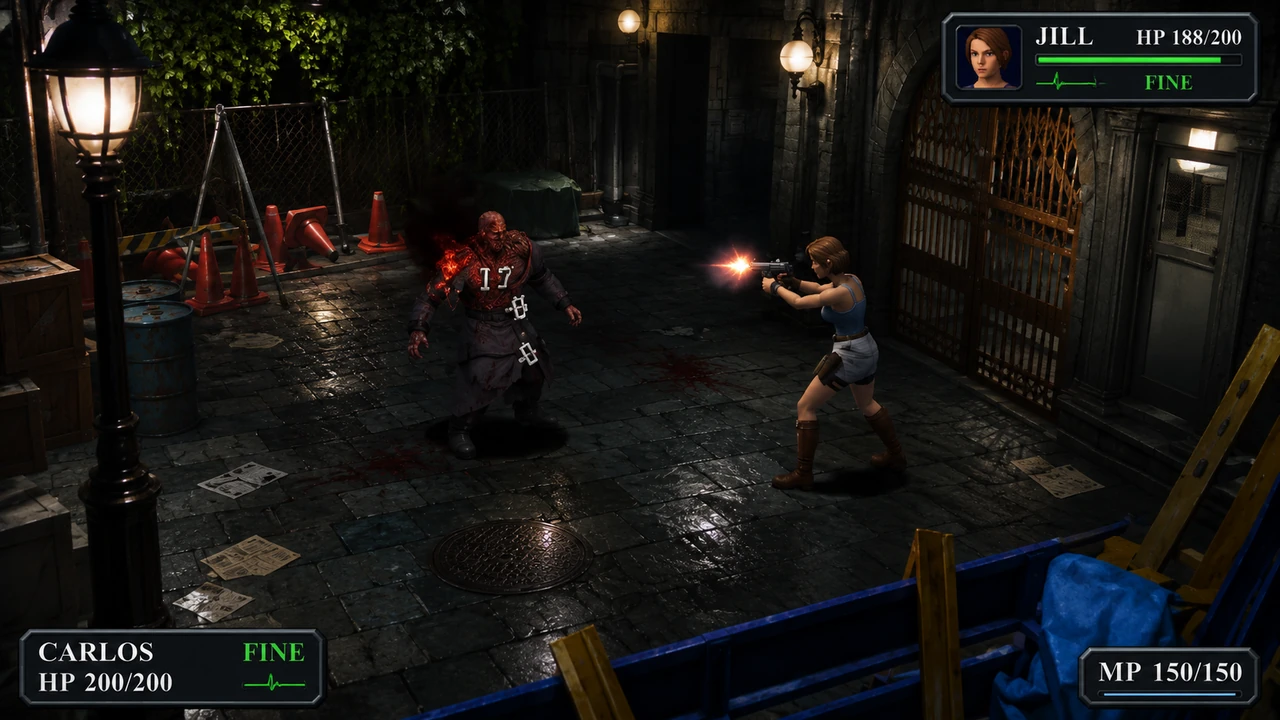
Example of a legitimate Steam Playtest access interface; the pictured game is not accused of wrongdoing. Image: Steam Community.
2. Verify the Sender Separately
A familiar display name, profile picture, or developer logo is not proof of ownership. Check the developer’s official website, game Steam page, or previously established social account for an announcement. If a friend sends the link, contact them in a separate conversation before trusting it; Steam cautions that compromised friend accounts can spread malicious links.
Be especially cautious of pressure tactics: limited slots that supposedly expire within minutes, threats of losing access, or a demand to prove you are a real player by signing in to a new website. A real marketing message can be time-sensitive, but urgency is no substitute for verification.
3. Know What a Normal Steam Login Looks Like
Steam Support advises users to enter credentials only on official Steam domains and never to give passwords to strangers. A lookalike address can contain familiar words while actually belonging to a different site. When in doubt, close the page and navigate to the Steam client or Steam Support yourself.
Steam Support will not ask you to resolve an alleged report by speaking to an agent on Discord or Steam Chat. Requests for account credentials, one-time codes, or purchases in order to receive a key should be treated as warning signs, not normal entry requirements.
4. Treat Download Instructions as a Separate Decision
A ZIP file or external installer labeled “playtest” is not automatically dangerous, but it is not authenticated simply because someone attached a game’s name to it. If the invitation promises a Steam-hosted test yet asks you to run a separate executable from an unfamiliar file host, stop and verify the arrangement directly with the real developer.
Do not disable antivirus protection or browser safeguards simply because an invitation tells you to. Check the developer’s verified distribution instructions, and do not run programs that require unusual permissions without a clear, independently confirmed reason. Valve specifically includes fake demos, betas, cheats, and gaming utilities among potential malware disguises.
5. What If You Already Clicked or Installed Something?
If you only opened a suspicious page and did not enter information or execute a download, close it and do not return through the original message. If you entered credentials, or suspect a compromised account, follow Valve’s recovery process. It recommends checking Authorized Devices, using Sign out everywhere for unfamiliar sessions, changing your Steam password, and securing the email account connected to Steam.
If you ran an untrusted program, prioritize the computer’s safety: disconnect it from the network if compromise is suspected, scan for malware and suspicious extensions, and use a known-clean device to protect important accounts if necessary. Valve’s stolen-account recovery guidance says to scan the computer and protect the account email before resetting Steam credentials. For a device that still appears compromised, seek qualified assistance rather than relying only on a password change.
A 60-Second Check Before You Install
Before opening an unexpected playtest link, give yourself one minute to check where it leads. Search for the game in the Steam client, compare its official store page with the invitation, and see whether the developer has announced the test through an established account or website. If the invitation cannot be confirmed independently, do not install anything just to find out.
If a friend sent it: ask them in a separate chat whether they really shared the invitation. A familiar name in a Discord or Steam message is not a guarantee that the account is still under its owner’s control.
If it asks you to sign in: open the Steam client or type the official Steam address yourself. Do not enter your password or Steam Guard code into a page reached only through the invitation, even if the page looks convincing.
If it asks you to download a file: check whether the game actually distributes the test that way. A surprise executable, password-protected archive, or request to disable security tools is a reason to stop and verify—not a routine step you must complete to get a key.
You do not lose anything by skipping a questionable offer. There will be other demos and playtests. Your Steam account, library, inventory, and connected email are worth more than a rushed chance to play early.
The Bottom Line
A genuine Steam Playtest should be independently traceable to the game and its developer. A believable invitation is not enough. Verify where the test is hosted, which account or download it requires, and who is providing access—before you click Install.
Related Reading
Steam Account Stolen? What To Do First
Written by Ronny Fiksdahl, Founder & Editor-in-Chief of Fix Gaming Channel.
Send interview pitches, corrections, tips, or developer stories to contact@fixgamingchannel.com.
Support independent games coverage on Ko-fi.