Playtests: easy guide for players
A playtest isn’t a free demo—it’s where games change. This guide shows how to join safely, what to try, and how to send feedback devs can actually use.
What’s a playtest?
It’s an early build. Devs invite players to find bugs, test performance, and see if the game feels right. Stuff will break—that’s the point.
Why join?
- Real impact: Your notes can change tutorial flow, balance, and UI.
- Better launch: Early crash/perf reports help avoid day-one mess.
- Support devs: One hour of focused testing can save them days.
Join safely (no scams)
- Steam Playtest: On the game’s official Steam page, click Request Access.
- Keys from real stores: Redeem on Steam/Epic/Itch from verified studio/publisher channels.
- Dev Discord/forms: Many tests use a role request or a short survey. Normal.
Hard no’s: random cloud .exe downloads, “enter your Steam Guard code,” “disable antivirus,” or odd “publisher portals.” If it feels off, ask for a Steam Playtest or an official store key. See our warning:
Steam DM scam — Solarpunk “playtest” / “Battlefield 6 Labs”.
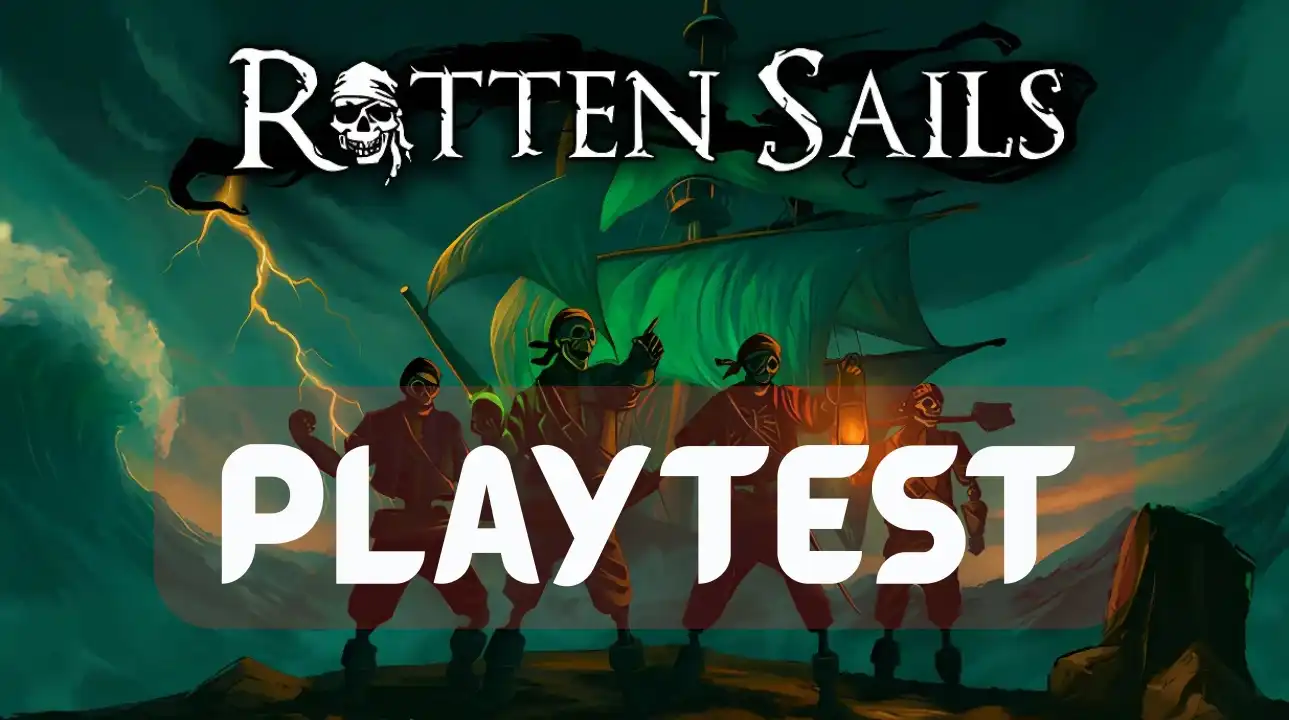
Rotten Sails — Playtest
Playtest ongoing — request access on Steam.
Developer Q&A — Rotten Sails
Responses provided by the developer
Q1: What are you hoping to learn from this playtest right now?
A: Onboarding, game breaking bugs, annoying bugs that kills the game instantly (like a specific sound setting that you can’t set) and i want to improve our games horror perspective.Q2: What kind of feedback is most valuable at this stage—and how/where should testers submit it?
A: They submit from Discord, Steam discussions or PMs. They are usually honest bugs so no need to reproduce 🙂Q3: What’s the current state of the game and this playtest build?
A: Demo coming soon within 1–2 weeks and i want to make increase the horror aspect of the game.
Rotten Sails Trailer
Rumble may require a security check. Click to load the video, or open it on Rumble.
Vaultbreakers — Playtest
Playtest ongoing — request access on Steam.
Mandated Fate — Playtest
Join the playtest — Discord
Playtest Quick Start (10 minutes)
- Play (4 min): Just play. Note the first confusing thing.
- Try to break it (4 min): Alt-tab, change resolution once, swap inputs. Watch for stutter/crash.
- Report (2 min): Send one clear message (template below). Done.
Copy-paste report
Build: 2025-MM-DD • Area: [mission/map] • Time: ~10m
Rig: [CPU/GPU/RAM] • [Resolution/Hz] • Input: [KBM/Controller] • OS/Driver: [Win build / GPU driver]
Issue: [What happened vs expected]
Steps: 1) … 2) … 3) …
Perf: ~[avg FPS] • Stutter at [where] • Crashes: [Y/N]
How to give feedback devs use
- Facts first: “Crash equipping Shotgun Mk2 in loadout.” (Then why it matters.)
- Steps: 1) Open Loadout 2) Select Shotgun Mk2 3) Click “Equip” 4) CTD.
- Context: Build/date, map/mission, playtime, input, resolution/aspect, key driver versions.
Respect the rules
- No reviews of unfinished builds: You can share impressions if allowed—say it’s a playtest.
- Honor NDA/embargo: If it says no streaming/screens, don’t.
- Clean up: Remove private builds/branches if the dev asks.
Editor’s note
Playtesting—it’s part of what I do as a reviewer. I also run mock reviews for devs. My feedback is clear and sometimes blunt: performance (FPS, stutter), bugs with steps, hardware/OS/driver context, and UI/controls. If you invite me, expect clips and logs when allowed—and honest notes that help you ship.
Devs: for structured feedback or a mock review, contact us here.
Written by Ronny Fiksdahl, Founder & Editor-in-Chief of Fix Gaming Channel.
Send interview pitches, corrections, tips, or developer stories to contact@fixgamingchannel.com.
Support independent games coverage on Ko-fi.