



NVIDIA App Beta Combines GeForce Experience and Control Panel Tools
Related coverage: Nvidia’s DLSS 5: AI-Powered Future or an Optimization Crutch?.
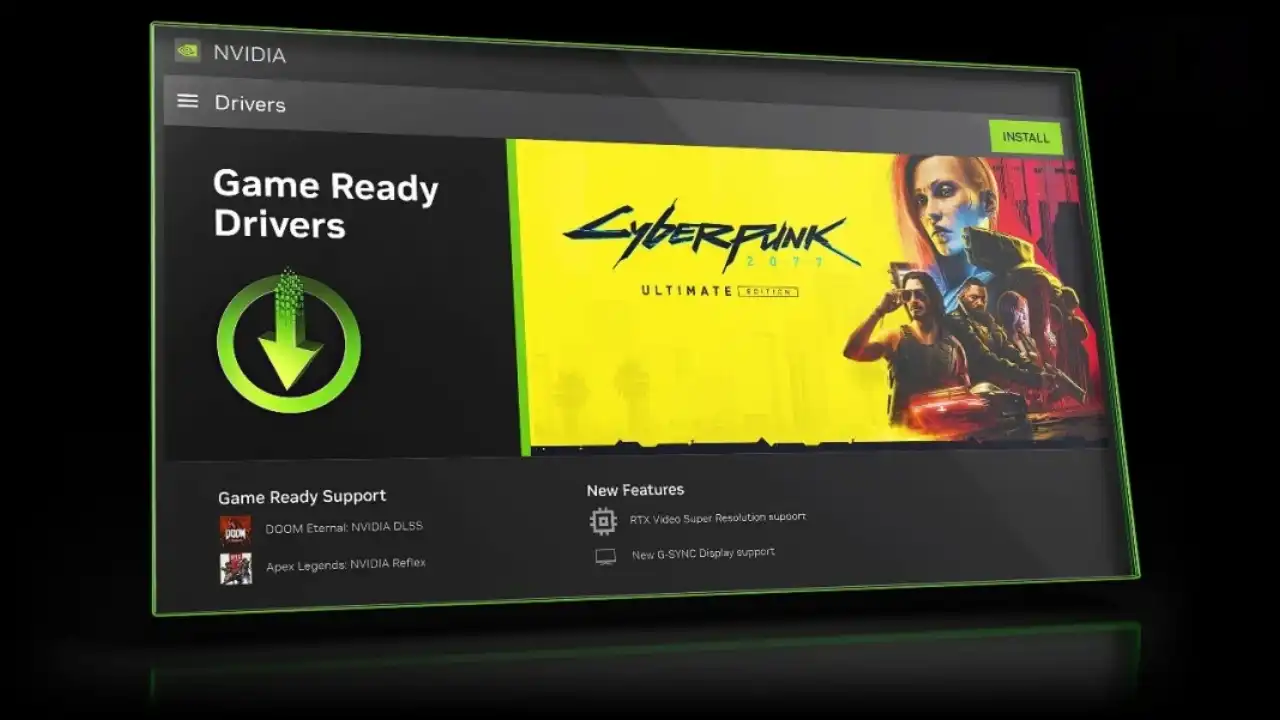
NVIDIA has unveiled the beta version of its brand-new NVIDIA App, combining the functionality of several standalone tools—GeForce Experience, NVIDIA Control Panel, and RTX Experience—into a single streamlined application. This beta release is now available to download, and it’s aimed at both gamers and content creators using NVIDIA GPUs.
Join Our Newsletter
Stay updated with the latest interviews, previews, and indie gaming news from Fix Gaming Channel.
What’s New in the NVIDIA App?
The new app simplifies system maintenance and software access by putting everything in one place. Whether you’re optimizing game settings, updating your drivers, or using RTX-exclusive tools, the NVIDIA app aims to deliver a more efficient experience.
- Automatic driver updates and management
- Redesigned in-game overlay with recording tools and real-time performance monitors
- AI-powered RTX filters for compatible GPUs
- Seamless access to GeForce NOW and NVIDIA Broadcast
- A single control panel for managing graphics settings and system preferences
Beta Highlights: Streamlined Yet Feature-Rich
This early beta brings over the most-used features from NVIDIA’s separate platforms, blending them with a sleeker UI and new functionality. A login is no longer required to use the core app—though signing in unlocks exclusive content bundles and seasonal rewards.
Performance tuning, overlay toggles, and real-time metrics are easier to access than ever. For RTX users, new AI enhancements further boost the creative possibilities.
What’s Next for the NVIDIA App?
NVIDIA is treating this release as a foundation for ongoing development. More tools, overlays, and GPU-specific enhancements are expected in future updates as feedback from beta testers rolls in.
If you want to get ahead of the curve, NVIDIA encourages users to try the beta and share feedback directly through the app interface.
How to Join the Beta
You can download the NVIDIA App (Beta) directly from the official NVIDIA announcement page:
https://www.nvidia.com/en-us/software/nvidia-app/
Once installed, the app will guide you through setup and help migrate settings from your older NVIDIA software.
NVIDIA App (Beta)
Release Date: March 2024 (Beta)
Type: GPU Utility Platform
Developer: NVIDIA Corporation
Features: Driver Management, Performance Monitoring, AI Filters, In-Game Overlay
Platforms: Windows PC (NVIDIA GPU Required)
Final Thoughts
The NVIDIA App Beta is a big leap forward in unifying and simplifying the NVIDIA software ecosystem. While it’s still in beta, the initial build shows serious promise, especially for users juggling multiple creative and gaming tools. With more features on the horizon, this could soon become the go-to dashboard for NVIDIA users.
Written by Ronny Fiksdahl, Founder & Editor-in-Chief of Fix Gaming Channel.
Send interview pitches, corrections, tips, or developer stories to contact@fixgamingchannel.com.
Support independent games coverage on Ko-fi.