



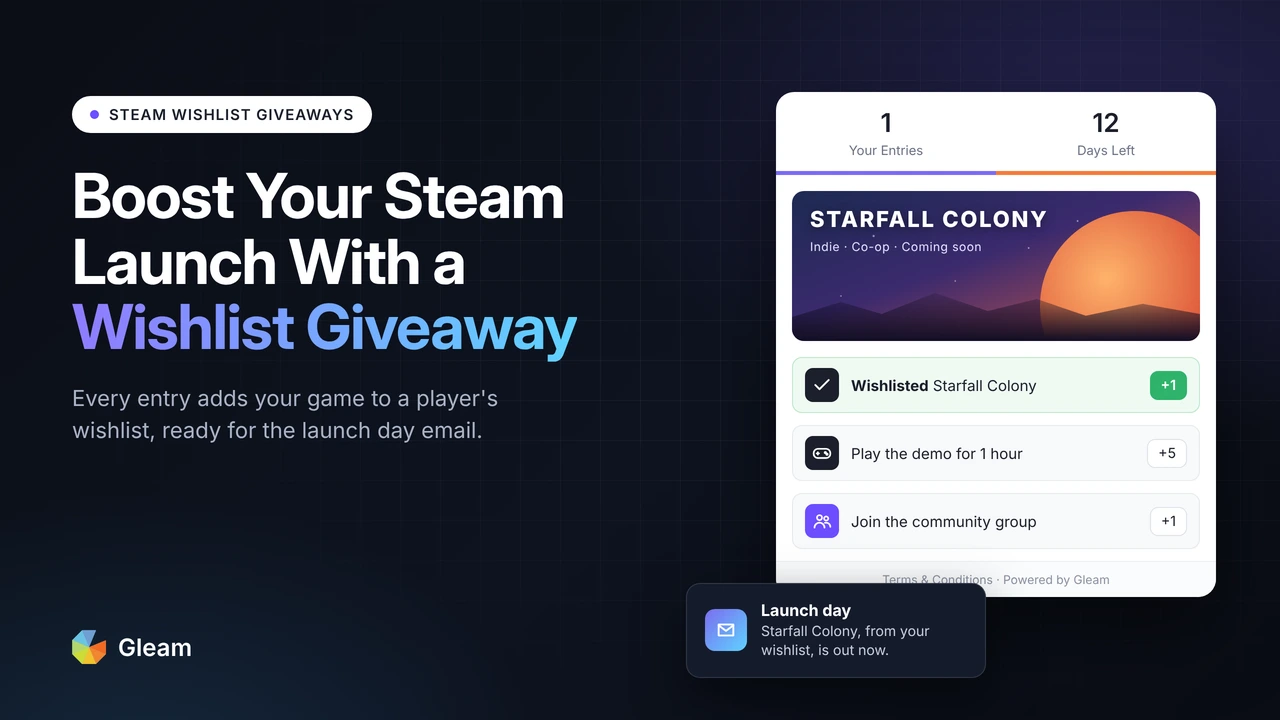
Turn Steam Wishlist Interest Into a Measurable Launch Campaign
Sponsored Guest Article — Disclosure: Gleam provided Fix Gaming Channel with a subscription in exchange for publication of this guest article. The article was written by Eduardo Cabrera, Growth Marketing Manager at Gleam, and reviewed for factual accuracy by Fix Gaming Channel.
Wishlist giveaways can help developers build interest before release, but verified entries are not the same as newly gained wishlists. This guide explains how to set up, time and measure a campaign.
You have been working hard for months on your new game, the characters, the story, the design. All is mostly done and ready to launch. You want to build excitement and make sure launch day is a success.
With this guide we want to help you understand why wishlists matter so much on Steam, and how to collect them with a giveaway that only counts an entry once your game is on the player’s wishlist. Run it at the right moment, measure it in Steamworks, and you will have an estimate of how many additional players may have wishlisted during the campaign.
Steamworks: How Wishlists Work
Watch the official Steamworks wishlist video
More Guides for Indie Developers
Get practical game development coverage, interviews and launch advice from Fix Gaming Channel.
Join Our Newsletter
Stay updated with the latest interviews, previews, and indie gaming news.
Why Build a Wishlist Before Launch?
Every wishlist is a signal that a Steam account is interested in your game. Once you have collected those players, Steam can help remind them about your release. When your game launches, eligible wishlisters may receive an email and/or mobile push notification. Not every user will receive every notification: verified email status, personal preferences and cooldown periods can affect delivery. Steamworks explains the notification rules.
Steam keeps working for you after launch too. When you run a discount of 20% or more, Steam may notify eligible wishlisters, provided that the discount covers your lowest-priced package and runs for over eight hours. Launching in Early Access? Steam can send another notification when you move to full release. Each of these moments is another chance to turn people on your wishlist into players, and into the sales that pay back the months you put into design and your pre-launch plan.
A bigger wishlist can help more interested players hear about your release, but it does not guarantee a particular number of sales or additional visibility on Steam.
The data points the same way. Across 5,744 games, Video Game Insights found that games with bigger launch wishlists tended to sell more in their first month, with a correlation of about 0.7. The link is weaker for games under 100,000 wishlists, at 0.17, and Chris Zukowski’s October 2026 analysis shows recent releases selling about half as many copies per wishlist at launch as games from 2020 to 2022. You need more genuine wishlists than developers did a few years ago, so it pays to start building yours early.
Could Giveaways Help Fill That Waiting List?
Many giveaways ask people to follow an account or share a post. That brings attention, but it does not necessarily mean those people will visit your Steam page or add the game to their wishlist.
A wishlist giveaway changes that. With the Wishlist on Steam action in Gleam, your entrants sign in with Steam, click Add to Steam Wishlist, then Continue. Gleam checks their wishlist, and if your game is not on it yet, they can add it and try again. Every confirmed entry means that player has your game on their wishlist at the time of verification, though some will have added it before your giveaway started. A confirmed entry is not proof of a new wishlist or future purchase.
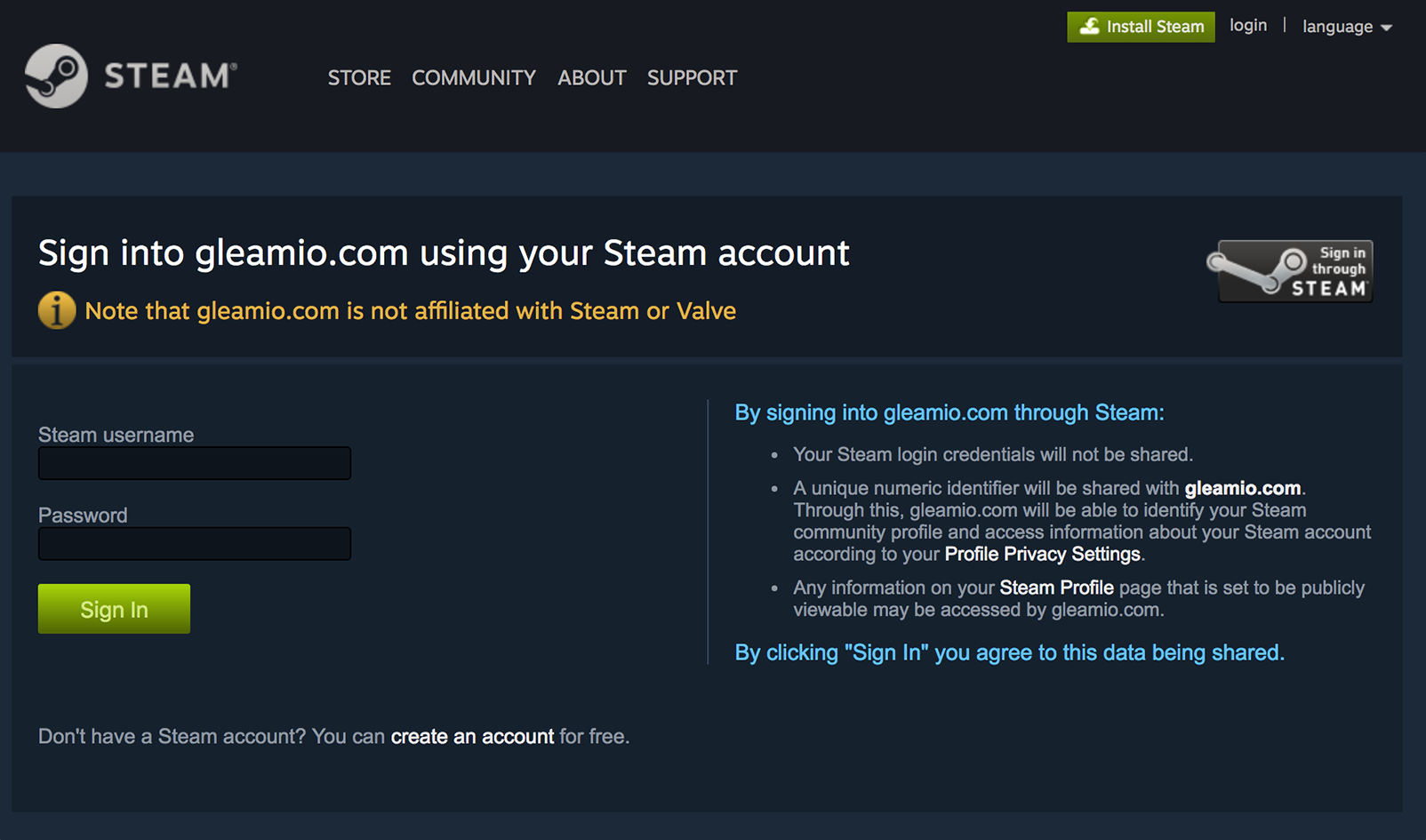
Entrants sign in with their Steam account before Gleam can check their wishlist. Image: Gleam.
Don’t Allow Limited Accounts is on by default, which blocks Steam accounts that have not met the US$5 spending threshold. This can reduce abuse, but it cannot eliminate it. Gleam can only check wishlists Steam lets it see, so anyone whose Game details are set to Private in their Steam privacy settings needs to make them public first. The widget tells them which setting to change.
You can pair the wishlist with Gleam’s other Steam actions. Play a Game works well when you have a demo or playtest, and Join a Group gives you a Steam community you can keep updating as launch gets closer. Wishlist on Steam is available on the Hobby Plan and above.
When Should Your Giveaway Start?
Because Steam can notify eligible people who have your game wishlisted when it launches, timing matters.
If your store page does not have a release date yet, a giveaway can help you test your page and your prize. Months is a long time, though, and some entrants will lose interest before you launch.
Around a demo or Steam Next Fest, players are already in discovery mode, trying games and wishlisting the ones they like. Pair the wishlist with Play a Game here, so the people you reach have actually played what you made.
Play a Game checks whether entrants have played your game, with an optional minimum number of hours.
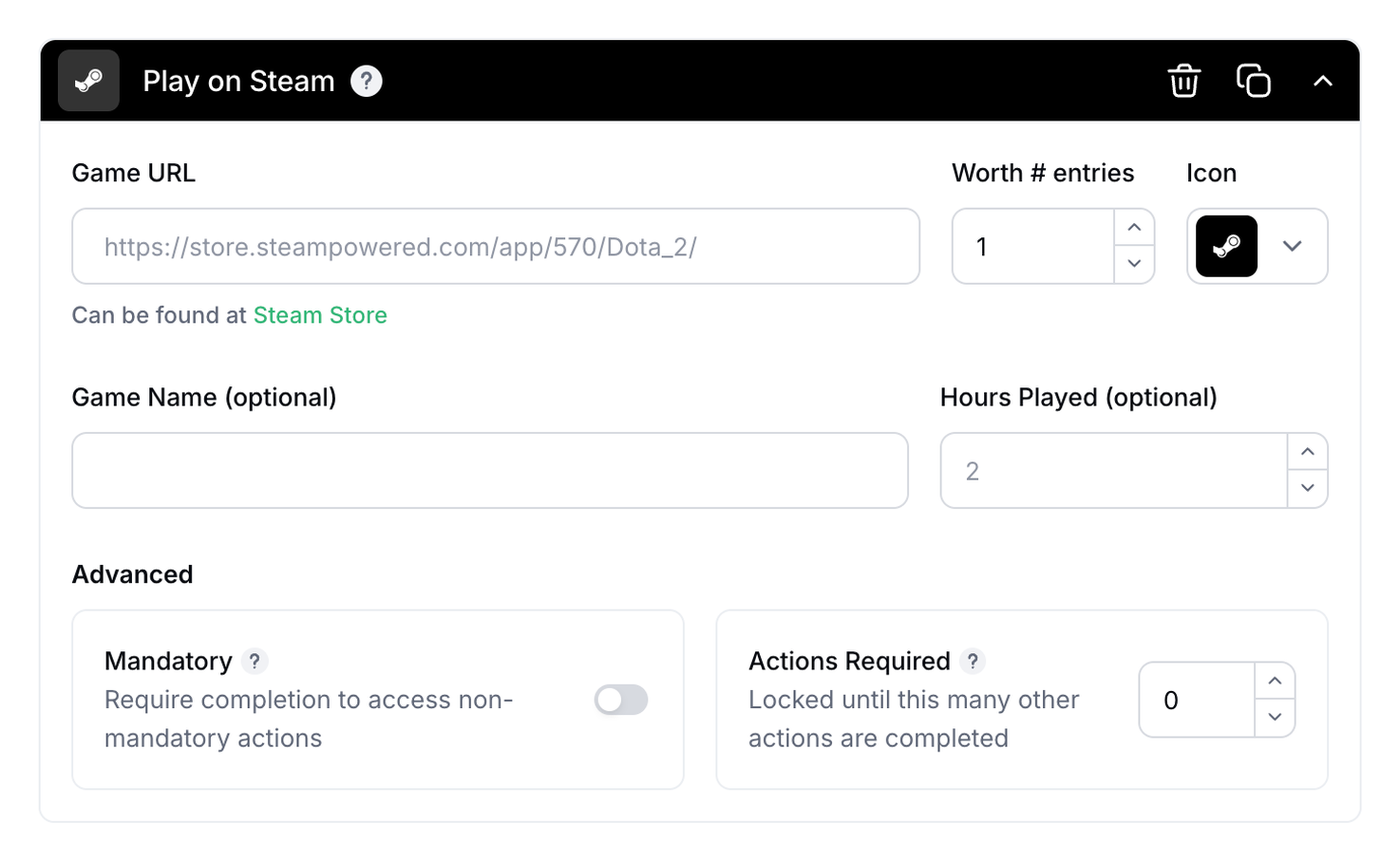
Play a Game checks whether entrants have played your game, with an optional minimum number of hours. Image: Gleam.
The weeks just before launch may be a useful time to run a campaign. A wishlist collected close to launch may be fresher in the player’s mind, but there is no single ideal timing for every game. If you can only run one giveaway, consider this window.
After launch, the launch notification has already been triggered, but your wishlist can keep working for you through eligible discount notifications. A giveaway before your first discount of 20% or more gives those players a reason to come back.
Valve Rules That Shape Your Giveaway
A few Valve rules shape how you run a giveaway, and they are easy to plan around from the start.
Run the giveaway on your own page and link to Steam. Valve’s Steam Keys documentation asks developers to submit a ticket before running a giveaway on Steam itself.
If keys are your prize, check the number carefully. Valve’s Steam Keys rules say you should offer Steam customers the same deal when handing out free keys, with a narrow exception for very small promotional giveaways of under 100 keys. A giveaway of 100 keys or more does not fall within that exception.
Leave reviews out of your giveaway. Valve’s review rules prohibit soliciting customer reviews in exchange for games, DLC, money or other rewards; a bonus giveaway entry is a reward.
How to Build a Steam Wishlist Giveaway That Fills Your Launch Day
This is where your waiting list starts to grow. Five steps take you from an empty campaign to a live giveaway that checks wishlist status for entrants. It cannot guarantee that every entry is a new wishlist.
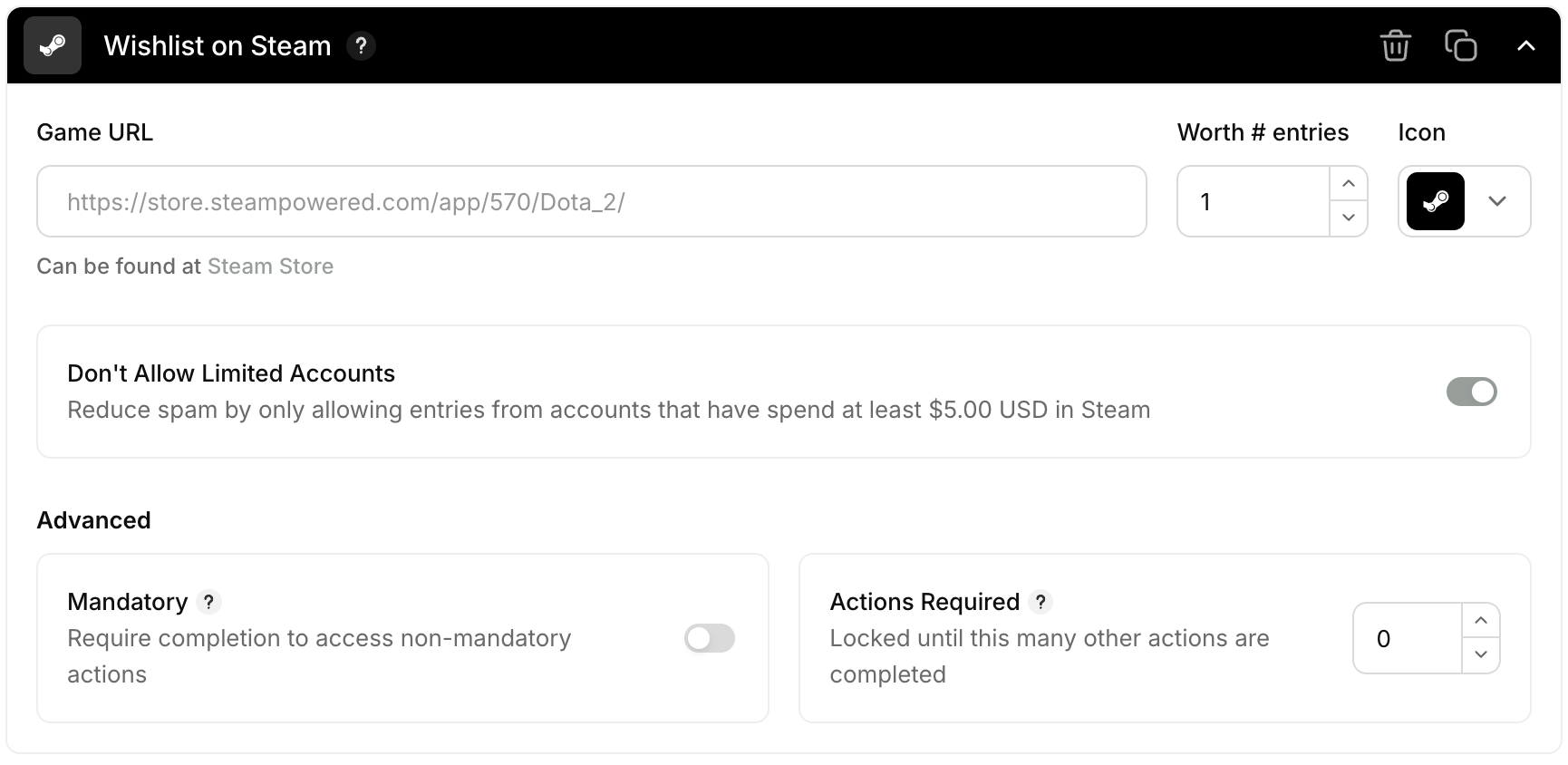
Paste your Steam store URL and leave Don’t Allow Limited Accounts switched on. Image: Gleam.
- Pick a prize your players will fight for. A collector’s edition, signed studio merchandise or a copy of your game attract people who are excited about it. A gift card or a graphics card attracts everyone, and those entrants have little reason to keep your game on their wishlist once the draw is over.
- Hold key prizes until launch day. Valve’s Steam Keys documentation warns that activating a key removes the game from that player’s wishlist, so a pre-release key could take your winner off the launch notification list. Send keys once the game is out, or use Steam Playtest for pre-launch testing.
- Switch on the Wishlist on Steam action. In How to Enter, click Add a Way to Enter, search for Steam and pick Add to Wishlist. Paste your store URL, and Gleam pulls your game’s art, release date and description into the widget. Make the action mandatory if you want all entrants to demonstrate wishlist interest, and consider leaving limited accounts blocked.
- Give fans more ways to stay close. Add Join a Group, or a follow on the platform where you post the most, so entrants keep hearing from you after the giveaway ends.
- Tag your store link for Steamworks. Steam only reads UTM tags on links that point at a supported Steam app or sale page. For example: store.steampowered.com/app/YOUR_APP_ID/?utm_source=giveaway&utm_campaign=launch-wishlist. Use the tagged link in your announcement posts and anywhere else you send people to your store page during the giveaway. The day after it starts, open UTM Analytics in Steamworks and check that visits are arriving under your tag.
Want a head start? Gleam’s Steam game promotion template comes with Wishlist on Steam, Play a Game and Join a Group already set up, so you can swap in your game and configure your campaign.
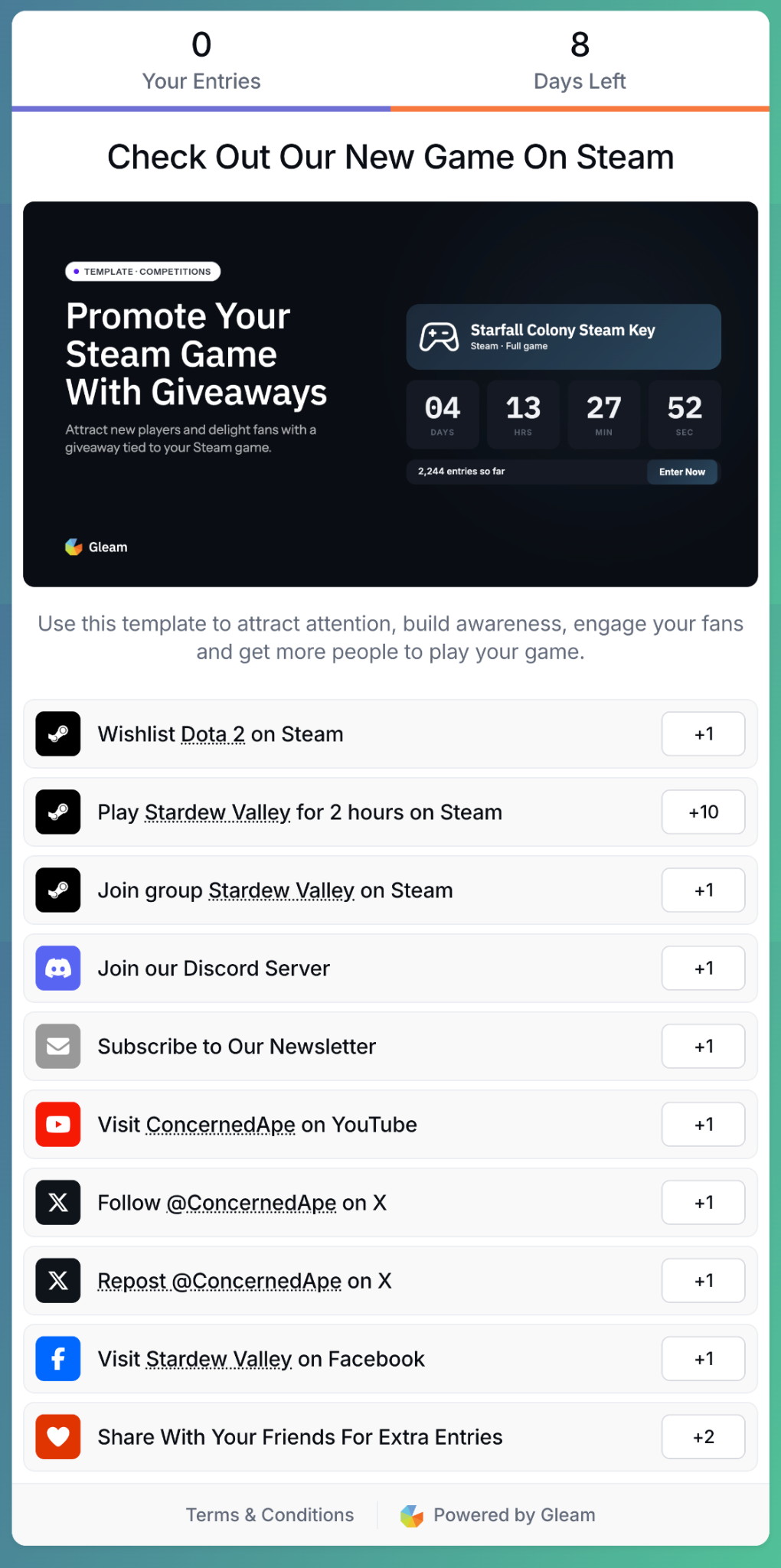
Example Steam game-promotion campaign showing optional Steam and community actions. Image: Gleam.
Did the Giveaway Grow Your Wishlists?
Once the giveaway ends, you will want to know what it did for your game. The number of people who entered and your Steamworks wishlist count will not match.
Some entrants already had your game on their wishlist, so they add nothing new. Some people see the giveaway, visit your page and wishlist the game without entering at all. And some entrants will remove your game once the winner is announced.
In your Gleam reporting, Users is the number of people who entered. Entries counts each completed action multiplied by its entry worth, so it will be higher. Use Users when you compare with Steamworks.
UTM Analytics in Steamworks shows the visits from your tagged link and the wishlists, purchases and activations that followed. Steam counts a conversion if an eligible player takes the action within 72 hours of clicking your UTM link. Conversions are finalized four days after the visit.
Treat UTM Analytics as a channel comparison. It misses players who switch device or browser, and it also counts players who would have wishlisted anyway. The wishlist report is where you judge the overall change.
The wishlist report tracks additions, purchases and deletions day by day. Compare your daily additions during the giveaway with the two or three weeks before it, then keep an eye on deletions for two weeks after the draw.
This comparison credits the giveaway with everything else that happened that fortnight. If it overlaps Next Fest, a trailer release or a sale, the extra additions may come from several causes. Use tagged UTM wishlists as one directional measure of the giveaway’s share, not a definitive count of new wishlists caused by the promotion, or run it in a quieter fortnight.
The hypothetical example below shows how to estimate a possible lift, not a benchmark or proof of causation.
| Normal wishlist additions before the giveaway | 40 a day |
| Additions during a 14-day giveaway | 130 a day, 1,820 in total |
| Baseline additions (14 × 40) | 560 |
| Additional additions above the baseline | 1,260 |
| Extra deletions in the 14 days after the draw (25/day against a normal 5/day) | 280 |
| Estimated net change above baseline | 980 |
Say 1,200 people entered in this made-up example. The gap between 1,200 entrants and an estimated net lift of 980 is not a direct count of who was converted. Some players may have had the game wishlisted before entering; others may have wishlisted it independently or removed it after the draw. The estimate also reflects other marketing activity during the same dates.
If deletions jump the week after the winner announcement, your prize may have attracted people who wanted the prize more than the game. Consider a prize closer to your game next time, while keeping other causes of deletions in mind.
Prize hunters will find any giveaway. A prize tied to your game and the limited account block help reduce them, though not all of them, which is why both wishlist additions and later deletions are worth watching.
Ready for Your First Wishlist Giveaway?
Pick your next milestone, whether that is a demo, a festival or launch day itself, and consider a two-week wishlist giveaway in the month before it. Tag your store link, note your daily wishlist additions for the three weeks before, and estimate the change two weeks after the draw.
You will finish with a useful estimate for your game, and a benchmark to beat the next time. Your store page, trailer, price and early reviews do the rest. Good luck with the launch.
Learn more about Gleam and its verified Steam wishlist actions.
Related Reading
Game Key Distribution: Reaching the Right Press and Streamers
$1 per Steam Wishlist? Inside an Indie Game Marketing Pitch
Airem’s Summer Giveaway: 340 Steam Keys in 17 Days
Guest article written by Eduardo Cabrera, Growth Marketing Manager at Gleam, for Fix Gaming Channel.
Edited for publication by Ronny Fiksdahl, Founder & Editor-in-Chief of Fix Gaming Channel.
Send interview pitches, corrections, tips, or developer stories to contact@fixgamingchannel.com.
Support independent games coverage on Ko-fi.